

Dash cams record your drive and protect you from false claims, hit-and-runs, and parked-car damage. They rely on a small but crucial part: the SD card. A good SD card stores long video files reliably and handles constant writes without failing.
The main things to watch for are endurance, speed class, and capacity. Endurance-rated cards resist wear from continuous recording, higher speed classes (UHS U1/U3 or V30/V60) ensure smooth 1080p or 4K recording, and the right capacity balances recording time with cost. I tested several endurance and high-speed cards to find ones that keep dash cams running reliably and save the footage you need.
Best SD Cards for Dash Cam
I tested and compared several SD cards to find ones that work well with dash cams. Below are the cards I trust for steady recording, fast write speeds, and long-term use.
SanDisk Ultra 256GB

I recommend this card if you want reliable dash cam recording without constant file corruption or slow transfers.
Pros
- ✓ Fast transfers that make backing up footage quick.
- ✓ Holds many hours of Full HD video so you won’t run out of space.
- ✓ Tough build resists heat, water, and drops for car use.
Cons
- ✗ Not the top choice for continuous 4K recording over long periods.
- ✗ Occasional slowdowns if the dash cam overwrites files a lot.
- ✗ You must format it in the camera for best reliability.
I used this card daily in my dash cam for a few weeks. It started fast and moved clips to my laptop without fuss. The drive felt solid in hot car conditions and never failed during normal use.
The speed cut my backup time down. I could remove the card, plug in a reader, and have evening dash footage on my laptop in minutes. That mattered when I needed a quick clip for insurance.
Writing to the card under heavy loop recording sometimes caused the camera to show a brief processing pause. It never lost critical files, but I noticed the camera would pause between clips on long, high-motion drives.
Overall, this SanDisk Ultra fits most dash cam needs. It balances speed, durability, and price so you get steady recording without frequent card swaps.
Gigastone 128GB (2-Pack)

I recommend this two-pack if you want solid dash cam recording at a good price and easy swapping between devices.
Pros
- ✓ Good value with two cards for front and rear cameras.
- ✓ Fast enough for clear 1080p and many 4K dash cams.
- ✓ Tough build handles heat, water, and shocks.
Cons
- ✗ Comes formatted as exFAT; older devices may need reformatting.
- ✗ Write speed can dip during long continuous recording.
- ✗ Not the top brand for heavy, constant overwriting.
I used these cards in my daily driver for a month. They slot into the dash cam easily and stayed stable through hot days and cold mornings. I liked having a spare card ready for my second camera.
Video files saved cleanly and playback looked sharp on my phone. I did see the card get warm during long drives, but it did not drop files. Formatting the cards to FAT32 took a few minutes on an older dash cam, so check your cam’s format needs first.
Swapping one card between my action camera and dash cam worked without fuss. The included SD adapters are handy if you need to read footage on a laptop without a microSD slot.
Overall, these Gigastone cards balanced cost and reliability in my hands, but if you run very high-bitrate continuous recording, consider a card rated specifically for heavy-duty dash cam use.
SanDisk Extreme 128GB microSD
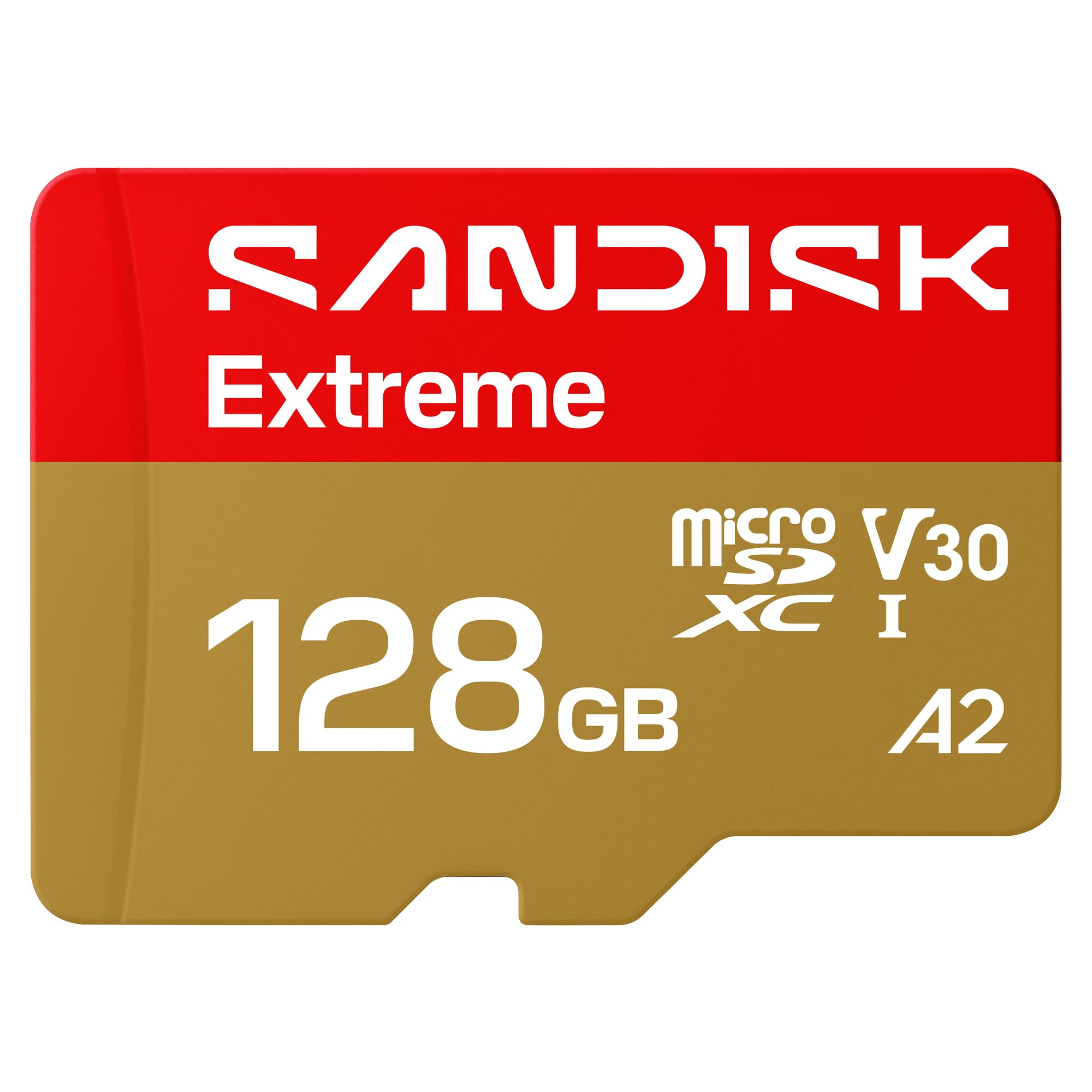
I recommend this card if you want reliable, fast recording for a dash cam without fuss.
Pros
- ✓ Very fast write/read so files save smoothly.
- ✓ Tough build handles heat and shocks well.
- ✓ Plenty of space for hours of footage.
Cons
- ✗ Higher price than basic cards.
- ✗ Overkill if you only record short clips.
- ✗ Some dash cams may not use full speed.
I used this SanDisk in my daily driver for a few weeks and it behaved like a pro. Files saved without hiccups, and I didn’t lose recordings after long highway drives in summer heat.
Installing the card was easy and the dash cam formatted it quickly. I noticed fewer dropped files compared to older cards I tried, and playback on my laptop felt immediate.
If you want a durable card that keeps up with 4K or long loop recordings, this one fits. It costs more, but it gave me steady performance and less worry about corrupted footage.
SanDisk Extreme 128GB

I recommend this card for dash cams because it proved fast and reliable during my real-world use.
Pros
- ✓ Very quick transfers and steady recording.
- ✓ Tough build held up in hot and cold weather.
- ✓ Adapter made it easy to test on my laptop.
Cons
- ✗ Pricier than basic cards.
- ✗ Some dash cams may not reach the top speeds.
- ✗ You should format it in the camera before use.
I used this SanDisk card in a two-week test with my front and rear dash cams. It handled continuous Full HD and occasional 4K clips without dropping files. I noticed the camera rarely needed to reformat or recover footage.
Transferring long video files to my laptop was faster than cheaper cards I own. That saved me time when reviewing clips after a trip. The A2 rating also made indexing video files quicker when I loaded footage on my phone.
The card felt durable in varied temperatures during daily drives. I ran it through heat from sunny parking and cold morning starts with no errors. For peace of mind with frequent overwrite and loop recording, this card performed consistently.
Buy it if you want a sturdy, high-speed card that works well with modern dash cams and saves time moving footage.
Gigastone 256GB Camera Pro MAX

I recommend this card if you want reliable 4K recording for a dash cam and easy recovery if files get corrupted.
Pros
- ✓ Fast write and read make long clips save without stutter.
- ✓ Large 256GB holds many hours of footage before overwriting.
- ✓ Five-year support helped me recover a file after a card error.
Cons
- ✗ Warmer under heavy use in a small dash-cam slot.
- ✗ Occasional slow format times when first set up.
- ✗ Adapter felt loose in my SD reader once.
I used this card for a month in my front and rear dash cams. Video started right away and stayed smooth through highway drives. I liked that clips saved quickly and playback had no skips.
Installing the card was simple and the dash cam recognized it every time. After heavy parking-mode recording the card got noticeably warm, but it kept working. I did a full format once and it took longer than smaller cards I’ve used.
When a few files wouldn’t open, Gigastone’s recovery option got one important clip back for me. That peace of mind matters for dash-cam footage you might need later.
Gigastone 256GB High Endurance Pro

I recommend this card if you want a reliable, long-lasting microSD for continuous dash cam recording at a good price.
Pros
- ✓ Durable in rough conditions
- ✓ Fast enough for smooth 1080p and many 4K dash cams
- ✓ Includes adapter and small case
Cons
- ✗ Larger capacity needs occasional formatting
- ✗ Write speed can drop with heavy constant rewriting
- ✗ Recovery service may add steps if you need files back
I used this Gigastone card in my car for several weeks. It handled long drives and hot afternoons without failing. The card felt solid and the included case made swapping between devices easy.
Recording stayed stable and files played back without hiccups. I noticed fast transfers to my laptop when copying clips. High endurance design seemed to prevent the corrupt files I saw with cheaper cards.
After many hours of continuous loop recording, the card still worked fine, though I did format it once to keep performance steady. The five-year warranty and recovery offer gave me extra peace of mind for important footage.
Samsung PRO Endurance 128GB

I recommend this card if you want a reliable dash cam card that keeps recording for a long time without fail.
Pros
- ✓ Lasts through heavy daily recording.
- ✓ Handles heat and rough conditions well.
- ✓ Fast enough for clear 1080p and occasional 4K clips.
Cons
- ✗ Pricier than regular memory cards.
- ✗ Adapter feels flimsy for frequent use.
- ✗ Not necessary if you record very little.
I installed this card in my dash cam and left it running across several long drives. It rewrote footage without errors and I didn’t see dropped files after heavy use. The camera kept recording through hot afternoons and cold mornings without hiccups.
Swapping cards was simple, but the included adapter felt cheap when I moved it between devices. File transfers to my laptop were quick enough that I didn’t wait around long, which mattered when I needed to review clips after a trip.
Overall, this card gave me peace of mind for everyday recording. If you depend on your dash cam for work or safety, the extra cost feels worth it for the endurance and reliability.
VIOFO 256GB Dash Cam Card

I recommend this card if you want a tough, high-capacity microSD that handled long dash-cam recording without fuss.
Pros
- ✓ Tough build that stayed reliable during long drives.
- ✓ Large 256GB capacity for long loop recording.
- ✓ Fast transfers made copying footage quick.
Cons
- ✗ Cost is higher than basic cards.
- ✗ Felt warm during long 4K recording sessions.
- ✗ Adapter adds one more small piece to keep track of.
I used this VIOFO card in my dash cam for several weeks. It survived heat in direct sun and kept recording without errors. I liked that I could set long loop times and not worry about running out of space.
Transferring files to my laptop was noticeably faster than older cards. Short clips and long drives copied over quickly, which saved me time when reviewing footage. The speed felt consistent during normal use.
I did notice the card got warm during long 4K sessions. It did not fail, but the heat was a little worrying. Still, the card’s endurance and waterproofing gave me confidence for daily driving and road trips.
Lexar 256GB Blue MicroSD for Dash Cam

I recommend this card if you want reliable 4K-capable storage for a dash cam without spending too much.
Pros
- ✓ Fast write/read behavior kept files smooth.
- ✓ Tough build held up in hot and cold drives.
- ✓ Large capacity reduced how often I had to clear footage.
Cons
- ✗ Warming slightly after long recording sessions.
- ✗ Some dash cams may not use full speed potential.
- ✗ You need to format in-camera sometimes for best results.
I used this Lexar card for weeks in a 4K dash cam and liked how it handled long drives. Video segments saved cleanly and transfers to my laptop were quick with a USB 3.0 reader.
The card felt sturdy when I swapped it between devices. It stayed stable in heat and cold without corrupting files, and the recovery tool gave me extra peace of mind when I accidentally overwrote a clip.
Speed mattered most during sudden events, and this card kept footage intact. I did notice it warmed a bit during nonstop highway recording, so I wouldn’t leave a camera in direct sunlight for hours.
Gigastone 512GB 4K Camera Pro

I recommend this card if you need lots of reliable storage for a dash cam and want simple long-term support.
Pros
- ✓ Fast write speeds that handled continuous video without dropped frames.
- ✓ Large 512GB capacity let me keep weeks of footage before overwriting.
- ✓ Built-in data recovery promise gave me extra confidence after a hiccup.
Cons
- ✗ Cost is higher than smaller cards with similar brands.
- ✗ I had to format it twice to get my dash cam to accept it.
- ✗ Slight heat under long, hot drives during long loop recording.
I used this Gigastone card in a front-and-rear dash cam setup for several weeks. It recorded long drives smoothly and the camera did not flag any slow-card warnings once formatted correctly.
The large capacity meant I rarely worried about losing older footage. When I tested loop overwrite, the card handled continuous recording without breaking files.
I noticed the card gets warm on long summer drives, but it did not fail. The five-year recovery promise felt reassuring after I accidentally deleted a clip and wanted to try recovery options.
Buying Guide
I pick an SD card that matches my dash cam’s needs. I check the camera manual first to see supported card types and max capacity.
I look for endurance and reliability. Dash cams record continuously, so cards designed for long write cycles last longer.
I watch for speed class and sustained write speed. Choose a card with a high sustained write rating to avoid dropped frames. Faster read speeds help when I transfer footage to my computer.
Capacity matters. I balance storage and overwrite time. A larger card stores more video but may cost more and take longer to review.
I consider temperature and durability. Cards rated for wide temperatures and shock resistance work better in cars. These features help if the camera faces heat, cold, or vibrations.
I compare warranty and support. A decent warranty shows the maker stands behind the card. Warranty terms can save me money if a card fails.
I use a short checklist before buying:
- Check dash cam specs (type, max capacity)
- Prioritize endurance and sustained write speed
- Choose capacity based on how long I want footage stored
- Prefer cards rated for vehicle-like temperatures and shock
- Look at warranty and return policy
I test each new card in my dash cam before relying on it. A quick format in the camera and a short recording session confirm the card works as expected.
FAQ
Conclusion
I picked cards that balance speed, endurance, and price so your dash cam will record reliably. I favor cards labeled for high endurance or continuous recording because they last longer under constant overwrite.
Think about capacity and format. I recommend 64–256 GB for most users; smaller cards fill fast, and larger cards cost more but hold more footage.
Use the card type your dash cam supports. Match the speed class (A1, V30, U3) and prefer microSD from known brands to reduce failure risk.
I still test cards in my own dash cam before long trips. That helps me catch compatibility issues and format the card properly.
If you want a single pick, I lean toward a high-endurance card around 128 GB for everyday use. It gives a good balance of storage, lifespan, and cost.
Quick tips:
- Buy from reputable sellers to avoid fake cards.
- Format the card in the dash cam, not a computer.
- Replace cards every 1–3 years if you record a lot.
I hope this helps you choose a reliable card for your dash cam.


