
In this guide, you’ll explore whether Bluetooth OBD2 scanners are effective for car diagnostics. We will cover their functionality, key features, and practical tips for using them effectively. By the end, you will have a clear understanding of how these devices can enhance your vehicle maintenance.
Key Takeaways
- Bluetooth Connectivity: Bluetooth OBD2 scanners connect wirelessly to your smartphone or tablet, providing convenience and ease of use.
- Real-Time Diagnostics: They offer real-time data monitoring, allowing you to view live information about your vehicle’s performance.
- Cost-Effective: Generally more affordable than traditional scanners, these devices provide a budget-friendly option for DIY mechanics.
- Mobile Apps: Most Bluetooth OBD2 scanners come with mobile apps that enhance their functionality with features like code reading and clearing.
- Limitations: Some scanners may not support all vehicle models or advanced features, so it’s essential to check compatibility.
- Ease of Use: User-friendly interfaces make these scanners accessible for beginners and experienced users alike.
- Portability: Their compact size allows for easy storage and transport, making them ideal for roadside diagnostics.
Are Bluetooth OBD2 Scanners Any Good for Car Diagnostics?
If you own a car, you’ve probably heard about OBD2 scanners. These devices are essential for diagnosing vehicle issues, and with the advent of Bluetooth technology, they have become even more user-friendly. In this guide, you will learn about Bluetooth OBD2 scanners, their advantages, limitations, and how to use them effectively. By the end, you’ll have a solid understanding of whether a Bluetooth OBD2 scanner is a good investment for your vehicle diagnostics.
Understanding OBD2 Scanners
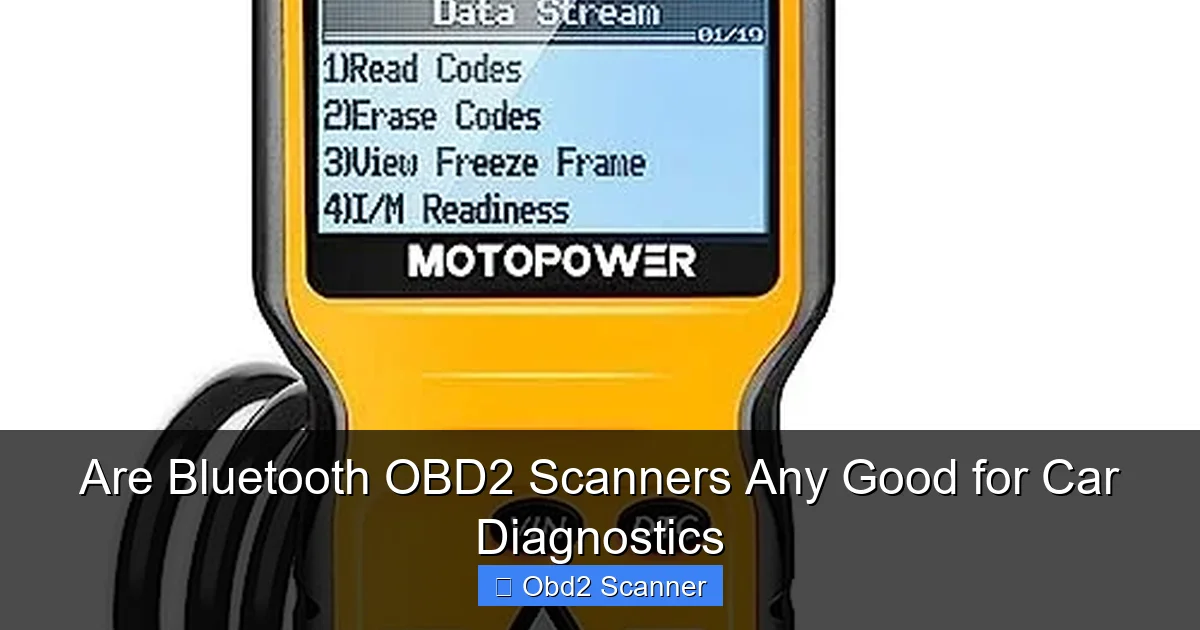
OBD2 stands for On-Board Diagnostics, version 2. This system is built into most vehicles manufactured after 1996. It monitors the performance of the vehicle’s engine and other essential components. OBD2 scanners, including Bluetooth models, read diagnostic trouble codes (DTCs) that help you identify issues in your vehicle.
Visual guide about Are Bluetooth OBD2 Scanners Any Good for Car Diagnostics
Image source: m.media-amazon.com
What is a Bluetooth OBD2 Scanner?
A Bluetooth OBD2 scanner is a device that connects to your vehicle’s OBD2 port and communicates wirelessly with your smartphone or tablet. This enables you to access diagnostic information without the hassle of wires.
Benefits of Bluetooth OBD2 Scanners
Bluetooth OBD2 scanners offer several advantages that make them appealing for car diagnostics:
Visual guide about Are Bluetooth OBD2 Scanners Any Good for Car Diagnostics
Image source: m.media-amazon.com
1. Wireless Convenience
One of the biggest advantages of Bluetooth OBD2 scanners is their wireless capability. You can connect your scanner to your device without being tethered by cables, allowing for greater mobility and ease of use.
2. Real-Time Data Monitoring
These scanners provide real-time data, allowing you to monitor critical vehicle parameters such as engine RPM, vehicle speed, and coolant temperature. This information can help you understand your car’s performance better.
3. Cost-Effectiveness
Bluetooth OBD2 scanners are often more affordable than their traditional counterparts. They offer a budget-friendly option for DIY mechanics who want to diagnose their vehicles without spending a fortune.
4. User-Friendly Mobile Apps
Most Bluetooth OBD2 scanners come with mobile apps that offer various features, including code reading, clearing trouble codes, and even graphing data for better readability. These apps enhance the overall user experience.
5. Easy to Use
Bluetooth OBD2 scanners are designed to be user-friendly. Many apps have intuitive interfaces, making it easy for anyone, even those new to car diagnostics, to navigate and use effectively.
6. Portability
The compact size of Bluetooth OBD2 scanners makes them easy to store in your glove compartment or carry in your bag, allowing for quick access when needed.
How to Choose the Right Bluetooth OBD2 Scanner
When selecting a Bluetooth OBD2 scanner, consider the following factors to ensure you choose the right one for your needs:
Visual guide about Are Bluetooth OBD2 Scanners Any Good for Car Diagnostics
Image source: m.media-amazon.com
1. Compatibility
Not all Bluetooth OBD2 scanners are compatible with every vehicle. Make sure to check if the scanner supports your car make and model. Most reputable brands will provide a compatibility list.
2. Features
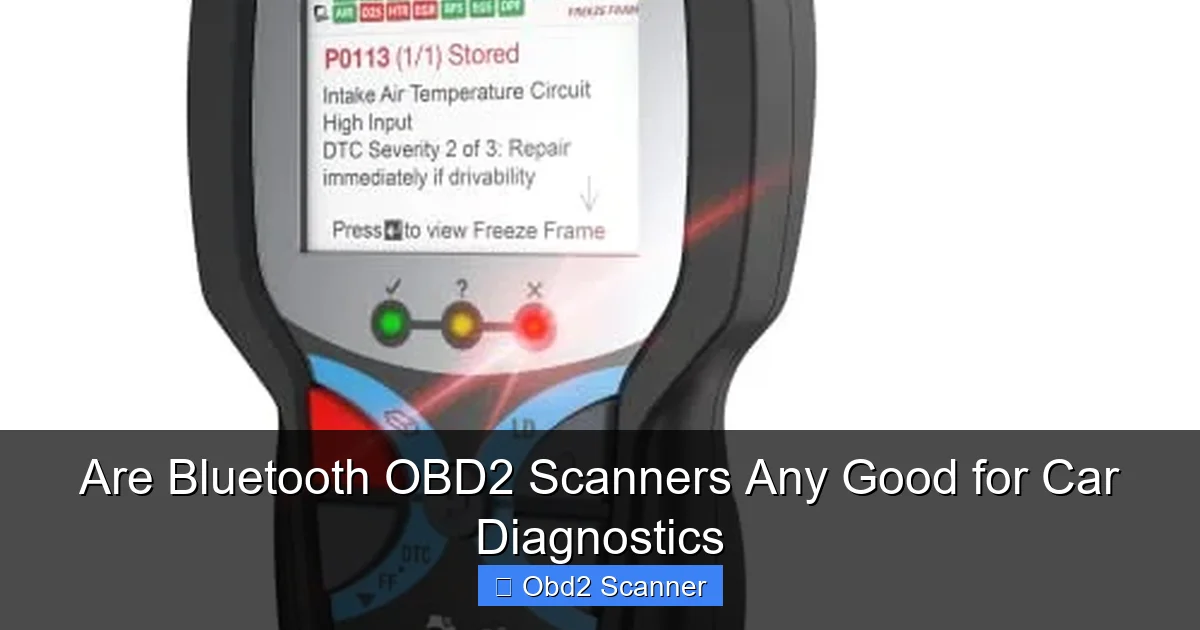
Different scanners come with various features. Look for scanners that can read and clear codes, display live data, and offer additional functionalities such as freeze frame data and readiness status.
3. Mobile App Quality
The effectiveness of a Bluetooth OBD2 scanner often depends on the accompanying mobile app. Read reviews to find out if the app is user-friendly, reliable, and offers the features you need.
4. Price
Prices for Bluetooth OBD2 scanners can vary widely. Set a budget but remember that sometimes spending a little more can get you better features and reliability.
5. Reviews and Ratings
Before making a purchase, read customer reviews and ratings to gauge the scanner’s reliability and performance. This can help you avoid low-quality products.
Setting Up Your Bluetooth OBD2 Scanner
Once you have chosen a Bluetooth OBD2 scanner, follow these steps to set it up:
Step 1: Locate Your OBD2 Port
The OBD2 port is typically located under the dashboard, near the driver’s seat. It may be necessary to remove a cover to access it.
Step 2: Plug in the Scanner
Insert the Bluetooth OBD2 scanner into the OBD2 port until it clicks into place. Ensure it is securely connected.
Step 3: Download the Mobile App
Visit the App Store or Google Play Store to download the mobile app that corresponds with your scanner. Follow the instructions to install it on your device.
Step 4: Pair the Scanner with Your Device
Turn on your car and enable Bluetooth on your smartphone or tablet. Open the mobile app and follow the prompts to pair it with the scanner. Ensure your device is within range.
Step 5: Start Scanning
Once paired, you can start using the app to read diagnostic codes, monitor real-time data, and perform other functions. Follow the app instructions for the best results.
Practical Tips for Using Your Bluetooth OBD2 Scanner
Here are some practical tips to enhance your experience with your Bluetooth OBD2 scanner:
1. Regular Use
Make it a habit to check your vehicle’s diagnostics regularly. This can help you catch issues before they become serious problems.
2. Keep the App Updated
Ensure that you keep the mobile app updated to benefit from new features and improvements. Developers often release updates to enhance functionality.
3. Understand Your Codes
Familiarize yourself with common diagnostic trouble codes (DTCs) and their meanings. This knowledge will help you interpret the data more effectively.
4. Use Freeze Frame Data
Freeze frame data shows the conditions under which a fault code was recorded. This can be invaluable for diagnosing intermittent issues.
5. Don’t Ignore Check Engine Lights
If your check engine light comes on, use your scanner to investigate the issue promptly. Ignoring it can lead to more significant repairs down the line.
Troubleshooting Common Issues
Sometimes, you may encounter issues while using your Bluetooth OBD2 scanner. Here are some common problems and solutions:
Problem 1: Scanner Won’t Connect to Phone
Ensure that Bluetooth is enabled on your phone and that the scanner is correctly plugged into the OBD2 port. Restart both devices if necessary.
Problem 2: Inaccurate Readings
If you notice inaccurate readings, check for loose connections and ensure that your vehicle is running properly. Some environmental factors may also affect readings.
Problem 3: App Crashes
If the mobile app crashes frequently, try uninstalling and reinstalling it. Make sure your device’s operating system is up to date.
Conclusion
In summary, Bluetooth OBD2 scanners can be a valuable tool for car diagnostics. They offer convenience, real-time monitoring, and cost-effectiveness, making them a great choice for both DIY mechanics and car enthusiasts. While they do have limitations, their benefits often outweigh the drawbacks. By following the steps outlined in this guide, you can effectively utilize a Bluetooth OBD2 scanner to maintain your vehicle and address issues promptly. Whether you’re a seasoned mechanic or a novice car owner, investing in a Bluetooth OBD2 scanner can enhance your vehicle maintenance routine and save you money in the long run.
🎥 Related Video: Can This Replace Your Mechanic? We Test Top OBD2 Bluetooth Scanners
📺 Budget Mechanic
We tested 5 of the most popular Bluetooth OBD2 scanners to find out which ones are actually worth buying — and then threw in a …
