
Dash cams record the road, capture incidents, and give drivers peace of mind during long hours behind the wheel. For people who spend many hours driving for work or travel, a dash cam helps document accidents, reduce distraction by automating recording, and sometimes offer features like lane-departure alerts or night-vision that matter on late shifts. Choosing the right dash cam means balancing video quality, reliable power options, and storage so it runs continuously without failing during long trips.
When picking a dash cam for long driving hours, the most important things are battery or hardwiring reliability, consistent heat and cold performance, and high-resolution night recording for clear evidence when it counts. A dash cam that can run continuously via hardwiring or a robust battery, records sharp low-light video, and uses looped storage will protect drivers through long shifts. The rest of this article looks at top models, explains key features to compare, and recommends picks for typical long-distance driving needs.
Best Dash Cams for Long Driving Hours
They picked dash cams that record clearly, run reliably for long drives, and handle night and highway conditions well. The list focuses on battery life, storage options, and comfort during extended trips to help drivers choose the right model.
Terunsoul 4K Dual Dash Cam
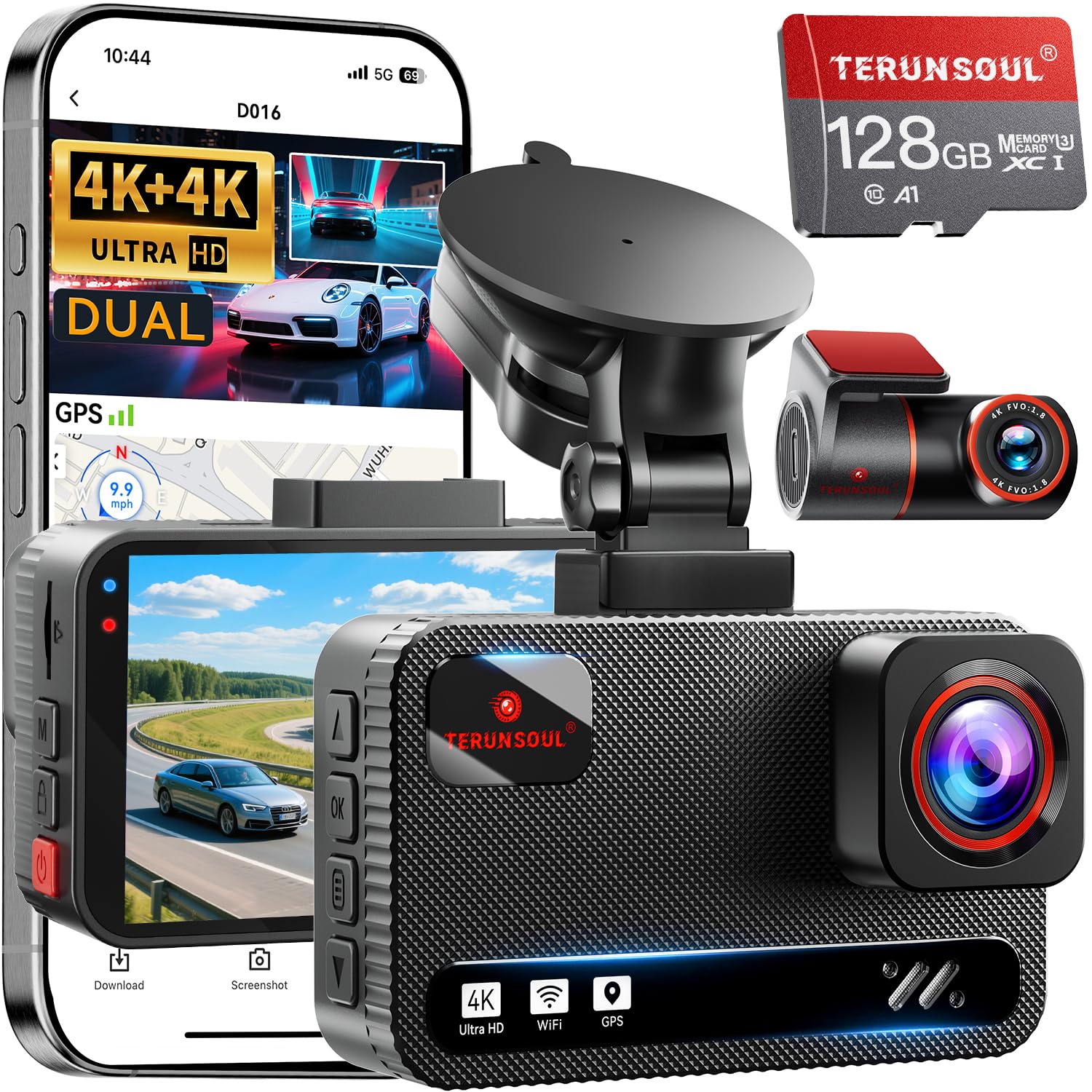
This is a solid buy for long drives because it records crisp 4K front and rear video and runs reliably for hours.
Pros
- True 4K on both front and rear for clear daytime footage
- Strong night vision that picks up low-light details
- Built-in GPS and long cables make it easy to track routes on long trips
Cons
- Needs a hardwire kit for full 24-hour parking monitoring
- App can be a bit slow to connect in busy areas
- Size and screen add more dashboard footprint than tiny cams
They included a 128GB card and long cables, so it felt ready for long road trips straight out of the box. Installation took less than an hour and the mount held steady on the highway.
The daytime video was impressively sharp; mile markers, signs, and license plates showed up when needed. Driving at night, the brighter aperture helped capture clearer images at junctions and dim streets.
On a long drive the GPS logging and wide 170° view proved useful for reviewing routes and incidents. The app let them download clips quickly on 5.8GHz Wi‑Fi, though the phone reconnect sometimes lagged in tunnels or heavy traffic.
Parking mode worked well after adding a hardwire kit; without it the cigarette-lighter power limits overnight monitoring. Overall, it felt like a dependable pick for drivers who spend many hours on the road and want clear evidence if something happens.
TERUNSOUl 4K 3-Channel Dash Cam

It’s a solid choice for long driving hours because it records front, rear, and cabin in high detail and runs reliably for long trips.
Pros
- Very clear front camera detail, useful for long highway drives.
- Triple-channel coverage gives peace of mind on long shifts or family trips.
- Built-in GPS and reliable loop recording make long drives easier to review.
Cons
- Parking mode needs an extra hardwire kit to work.
- App can be a bit slow when transferring large files.
- Setup with rear/cabin cables takes extra time in tight cars.
They tested it on a long road trip and found daytime footage sharp enough to read plates at distance. The cabin camera helped monitor passengers during overnight drives without fuss.
On long drives the battery draw stayed steady when hardwired, and the loop recording removed worries about running out of space. The included 128GB card lasted many hours of continuous recording before cycling.
Night footage held good detail under streetlights thanks to the starlight lens and HDR, though very dark rural stretches were less crisp. GPS stamps and the 5.8GHz WiFi made tagging and downloading routes faster than expected.
Installation took a little patience feeding the rear and cabin cables, but the kit includes clips and tools that made it manageable. After a few days of use the collision locks and app playback proved useful for reviewing incidents.
E-YEEGER S60 Dash Cam

It’s a strong choice for long hours on the road because it records clear day and night video and keeps looping so drivers don’t run out of space.
Pros
- Sharp daytime and night footage.
- Front and rear coverage with wide angles.
- Easy install and compact, so it won’t block the view.
Cons
- Small 2-inch screen can feel cramped for playback.
- 24-hour parking mode needs a hardwire kit to work reliably.
- Some users note power cutoff with certain car outlets.
They felt solid after using this on long trips. The 2.5K front footage captured lane details and signs without fuzz, and the rear camera filled blind spots on highway drives. The wide lenses meant fewer blind edges while passing through tight spots.
Night drives surprised them. The starlight sensor kept headlights and streetlights from washing out important details. In dim parking lots the footage still showed license plates at moderate distance, though fine detail drops as light fades.
Recording felt reliable over many hours. Looping saved them from swapping cards, and the G-sensor locked crash clips without fuss. They wished the tiny screen was larger for quick checks, and they learned to hardwire the unit for true 24-hour monitoring on older cars.
Buy it if a compact dual cam with strong night performance and simple setup matters for long trips.
ROVE R2-4K Dual

It’s a strong pick for long drives because it records clear front and rear 4K/1080p footage, handles low light well, and keeps long trips organized with GPS and fast Wi‑Fi.
Pros
- Very sharp daytime and night video thanks to the STARVIS 2 sensor.
- Dual cameras capture both front and rear without fuss.
- Fast 5G Wi‑Fi makes downloading long clips quick.
Cons
- Long‑term parking mode needs a hardwire kit sold separately.
- Menu and voice prompts can be a bit chatty until settings are tuned.
- Bulkier than tiny single cameras, so placement takes thought.
The first time they used this ROVE unit on a road trip it felt solid and complete out of the box. Mounting was straightforward and the included 128GB card let them record hours of driving without swapping cards.
Videos looked noticeably crisp on busy highways and in dusk conditions. Playback with GPS overlay made it easy to check speed and route when reviewing long drives.
Downloading long clips to a phone actually saved time compared with older cams. The 5G Wi‑Fi and app moved files fast, which is handy after a full day behind the wheel.
Restaswork D65 4-Channel 360° Dash Cam
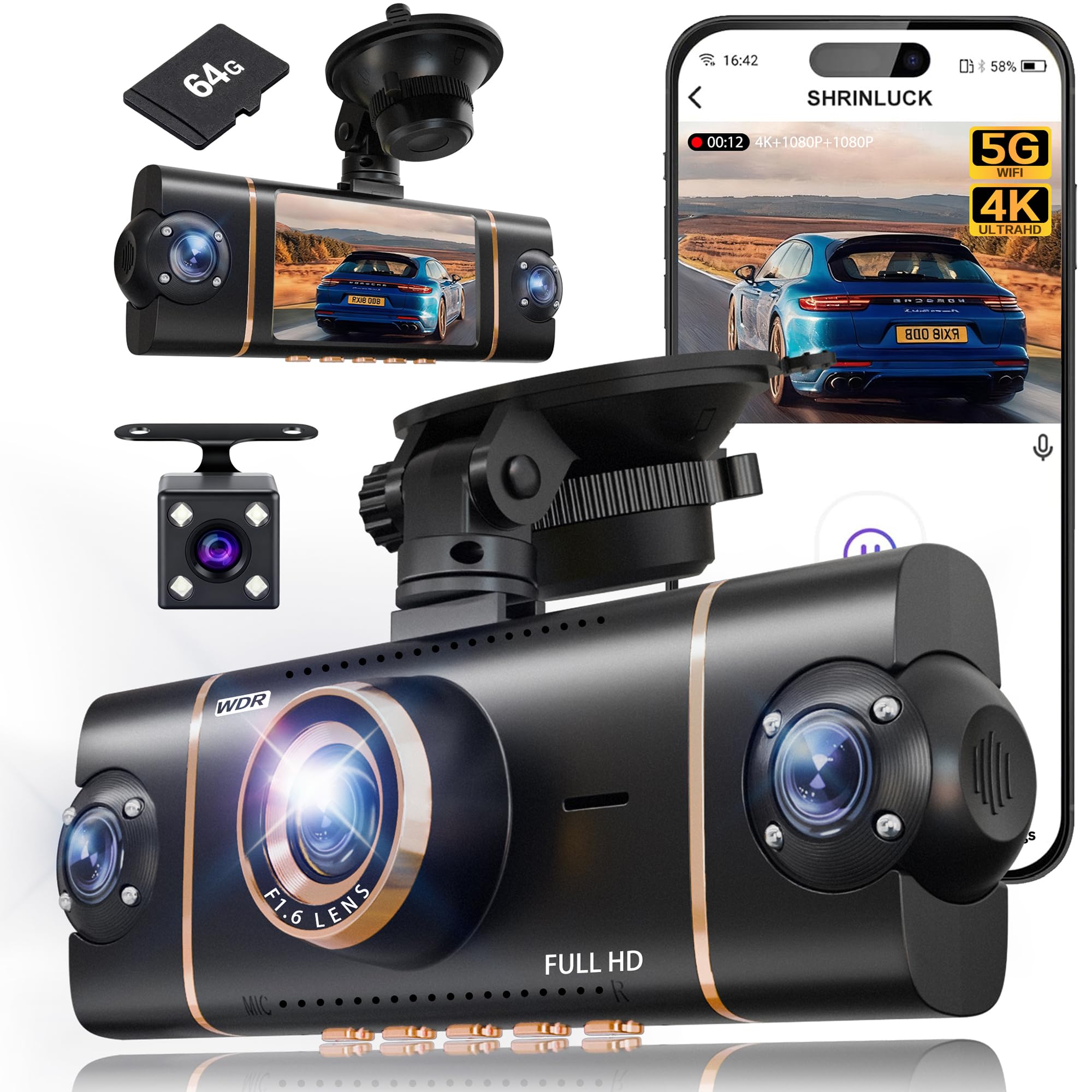
It’s a solid buy for long driving hours because it records all sides, keeps footage safe, and performs well day and night.
Pros
- Covers front, rear, and both sides for full recording.
- Clear night video with IR lights and WDR.
- Fast 5GHz Wi-Fi and app make file transfer easy.
Cons
- Parking mode needs a separate hardwire kit to run 24/7.
- Suction mount can be bulkier than low-profile mounts.
- App setup may take a few tries to connect smoothly.
They used this cam on a long road trip and liked how it removed blind spots. The 4K front and three 1080p side cameras caught details other single-lens cams missed, which felt reassuring on highways and tight city drives.
Setup felt straightforward. Mounting and hiding the cables took a little time, but the included pry tool helped. Pairing over 5GHz Wi-Fi let them pull video to a phone quickly once the app linked.
Night drives showed steady exposure and usable detail near headlights. Parking-mode detection locked clips after bumps, though they had to buy a hardwire kit to keep parking recording running all the time.
Overall, it handled long hours of driving without overheating or random shutoffs. The recorded files were easy to share for insurance or family, and customer support gave clear help when needed.
FAIMEE 3-Channel 4K Dash Cam
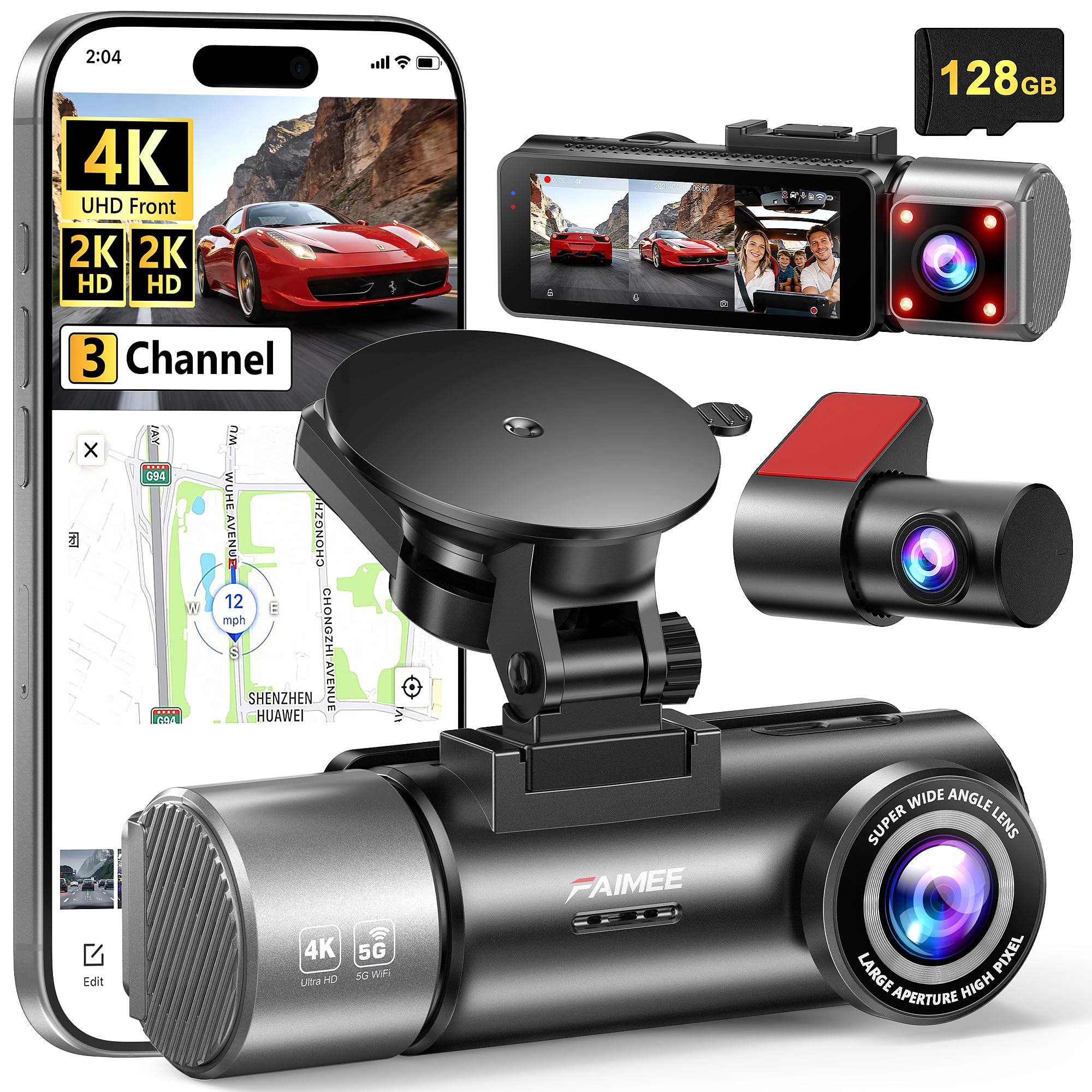
It’s worth buying for long driving hours because it records clear 4K front and 2K cabin/rear video with GPS and reliable night vision.
Pros
- Very sharp daytime and night footage that shows plates and signs.
- Covers front, inside, and rear so fewer blind spots on long trips.
- Built-in GPS and dual-band Wi‑Fi make trip logging and quick clips easy.
Cons
- Hardwiring kit for full 24/7 parking mode is not included.
- Three channels use a lot of storage during long drives.
- Setup can take extra time to tuck cables and position each camera.
They used this on long highway runs and liked how the front camera caught distant details clearly even at higher speeds. Driving at night felt safer because the WDR and large aperture kept contrast balanced without blowing out bright lights.
They appreciated the cabin and rear views for long haul work, since the extra angles picked up roadside incidents and interactions. The GPS trace matched routes on Google Maps when they checked, which helped verify times and locations after a long shift.
Connecting to the FAIMEE app over 5.8G or 2.4G Wi‑Fi made pulling short clips fast during breaks. For nonstop protection, remember to buy the hardwiring kit if you want true 24/7 parking recording without draining the battery.
Pelsee P1 Pro 4K
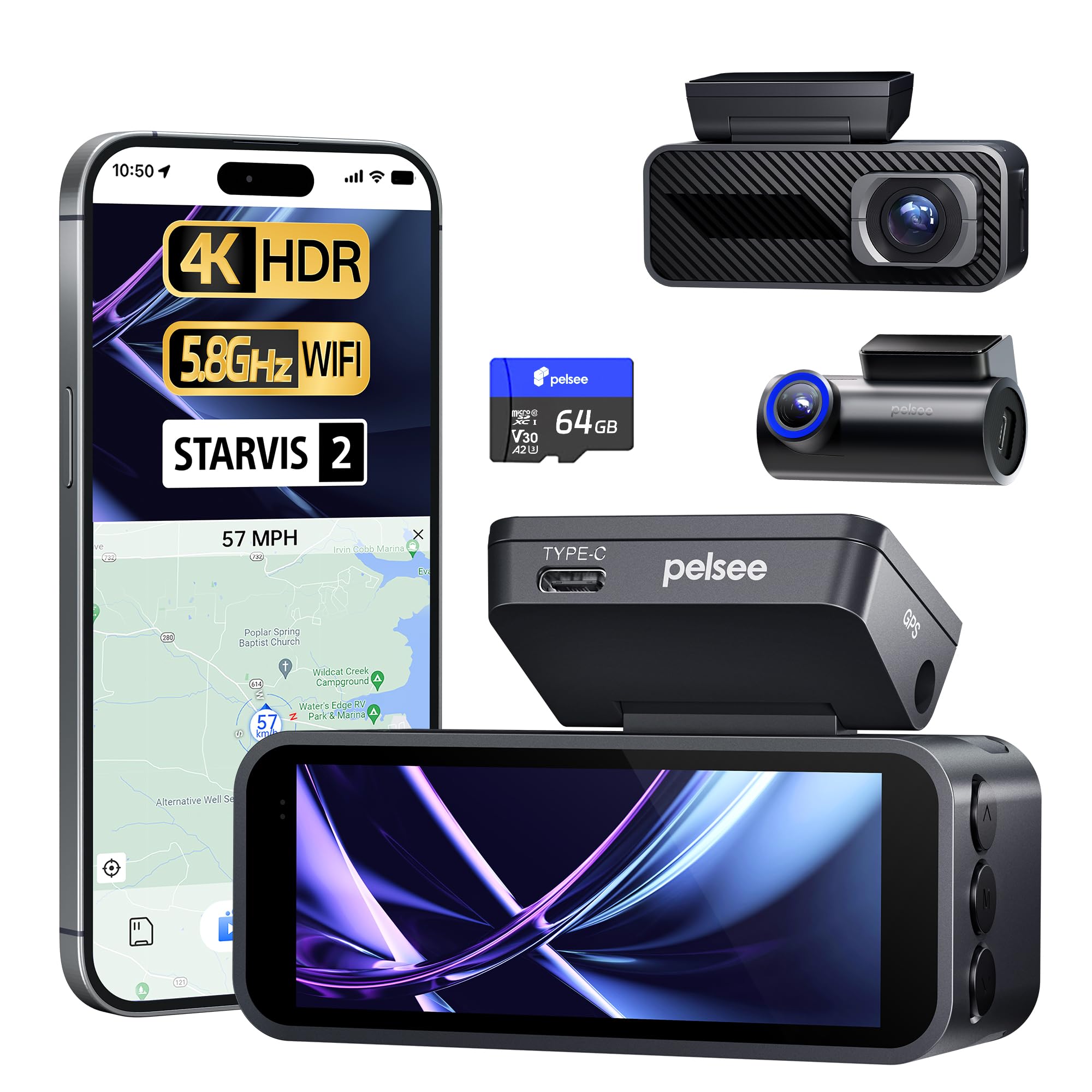
It’s a solid buy for long drives because it records clear 4K daytime footage and strong full-color night video while running reliably for hours.
Pros
- Very sharp front 4K and color night vision
- Long-term parking and reliable loop recording
- Easy setup and fast Wi‑Fi transfers
Cons
- Voice commands miss some functions
- Rear camera is good but not 4K
- Needs hardwire kit for full 24/7 use without the cigarette lighter
They used it on long highway stints and liked how the STARVIS 2 sensor kept street signs and plates readable even in low light. The screen made quick checks easy during breaks, and GPS stamping saved time when documenting routes.
During busy sun glare and tunnels the HDR front and WDR rear balanced exposure well. ADAS alerts gave helpful heads-up on long drives, though the warnings sometimes felt too cautious on empty roads.
Transferring clips over 5.8GHz Wi‑Fi was fast when they needed video for work or insurance. The unit stayed cool during all-day runs, but for true continuous parking mode they had to hardwire it to the car battery.
VIRROW X5 4K Dash Cam
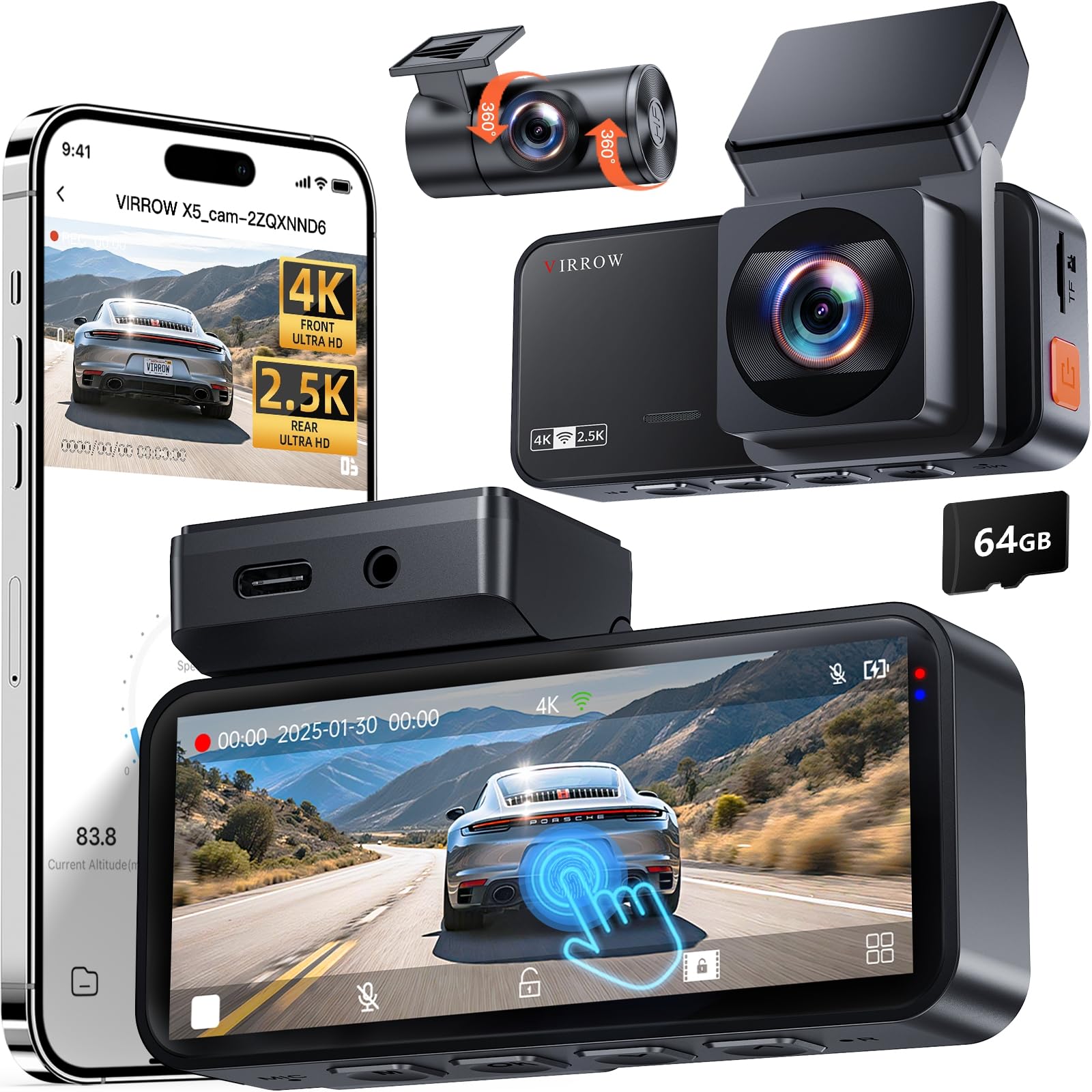
It’s a solid buy for long driving hours because it records crisp 4K front and 2.5K rear footage, runs reliable parking mode, and stays cool on long trips.
Pros
- Extremely clear daytime and night video
- Long recording with loop and parking modes
- Easy touchscreen controls and app access
Cons
- No speed overlay on recordings
- Hardwire kit sold separately for full parking power
- Large cables need neat routing for tidy install
They drove with this dash cam on a multi-state trip and noticed the front 4K footage picked up plate details even at highway speeds. The rear 2.5K camera kept things readable and cut down blind spots thanks to wide angles.
Setup felt straightforward while on the road; the touchscreen and app let them check clips quickly during breaks. The included 64GB card worked out of the box, so they didn’t waste time swapping cards before hitting the road.
During long parked stretches the time-lapse parking mode saved space and still captured motion events. They wished the unit showed speed on video and noted that a hardwire kit is needed for true 24/7 monitoring without draining the battery.
WECOOL 4K 3‑Channel Dash Cam
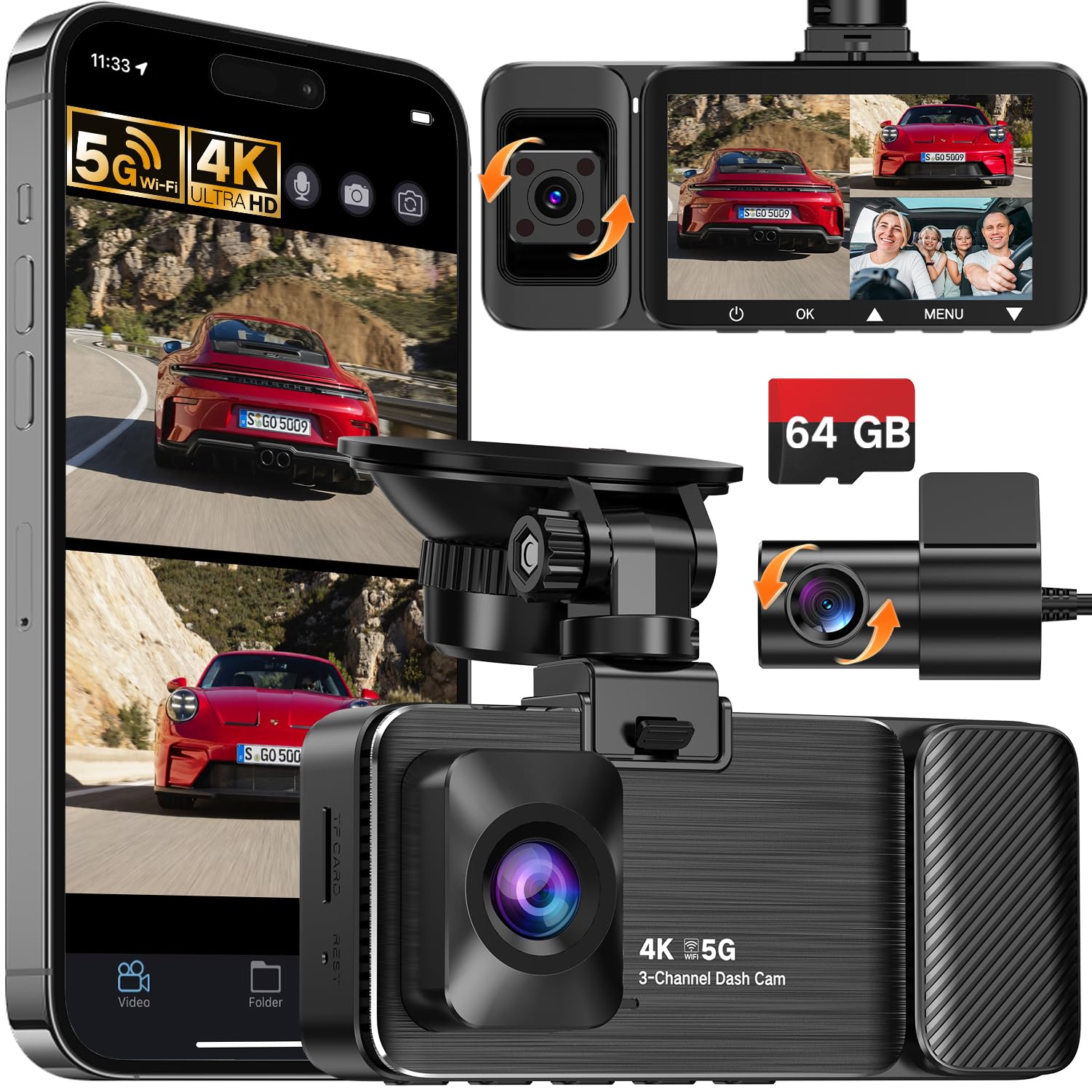
This dash cam is worth buying for long drives because it records front, rear, and cabin in high clarity so drivers get full coverage and peace of mind.
Pros
- Very clear 4K front footage that shows details on long trips.
- Triple cameras cover blind spots and interiors for rideshare or family drives.
- Good parking mode and G-sensor for incident protection.
Cons
- Night glare can streak across footage under some lighting.
- Occasional power or shutdown issues reported by some users.
- Full parking mode needs a hardwire kit to work best.
After using this unit on a long highway run, the front camera stayed detailed and steady. It pulled license plate-level detail on bright stretches, and the wide front view caught lane changes and roadside signs cleanly.
They liked having the interior and rear feeds during long shifts driving for rideshare. The cabin camera helped document passenger issues, and the rear view filled gaps when traffic was heavy or when reversing into tight spots.
Parking mode worked when hardwired; it woke and recorded small impacts in a crowded lot. One drive did show colored light streaks at night, so users driving in glare-prone cities may notice that artifact now and then.
Overall, the WECOOL feels built for drivers who log many hours and want three-angle recording without juggling multiple devices.
Tuisau J10 3-Channel Dash Cam
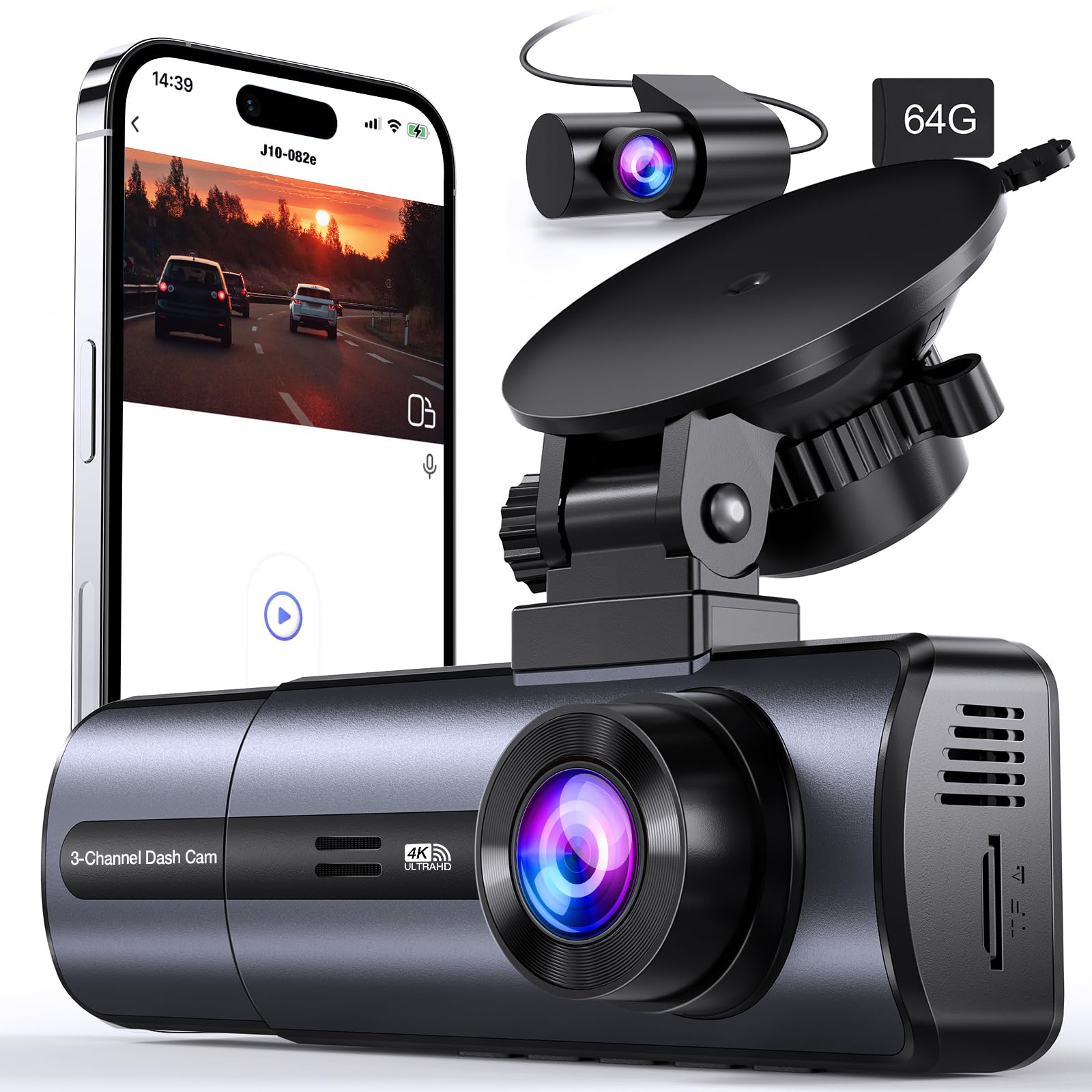
It’s worth buying if someone wants full 3-camera coverage and high-resolution front footage for long hours on the road.
Pros
- Very clear front video, even at night.
- Three-camera setup covers front, inside, and rear.
- Built-in 5GHz WiFi and included 64GB card make setup faster.
Cons
- Parking mode needs extra ACC kit for true 24-hour power.
- Interior camera can pick up reflections in certain cars.
- App interface is a bit clunky at first.
They used the J10 on a week-long drive and liked the sharp 4K front footage. The wide front view caught license plates and road signs at highway speeds without blur. Night clips stayed readable, which eased long-night driving.
Installation felt quick. The included cables reached the back seats on a midsize SUV, and the mount held steady through rough roads. WiFi streaming let them pull clips to their phone without removing the card.
Using the interior camera helped on long rides with passengers and rideshare trips, but reflections from dark windows appeared sometimes. Loop recording and the G-sensor worked well to keep important events saved. For someone driving many hours, the J10 gives broad coverage and reliable video, though they should plan for the ACC kit if they need full-time parking recording.
Buying Guide
They should start by thinking about video quality. Look for at least 1080p resolution and good low-light performance so recordings stay clear at night.
They should check field of view and mounting. A wide field of view captures more of the road, but too wide can distort images. Suction or adhesive mounts should hold steady on long drives.
Battery life and power options matter for long hours. Hardwiring or a reliable power cable lets the dash cam run continuously. A built-in battery that only saves clips during power loss is fine; it should not be the main power source.
Storage and recording modes affect how much footage is kept. Loop recording with overwrite keeps things simple. Look for support for large microSD cards and clear file management.
Safety features can help during long trips. Automatic incident detection and parking mode are useful. GPS logging adds location and speed data to recordings.
Ease of use reduces distractions while driving. A simple menu, quick one-touch buttons, and smartphone app access help them manage settings and review clips without fuss.
Durability and warranty give peace of mind. Heat-resistant casings and a decent warranty protect their investment. Check customer support and return policies before buying.
| Feature | Why it matters |
|---|---|
| Resolution & low-light | Clear footage day and night |
| Field of view & mount | Capture needed angles; stay stable |
| Power & battery | Continuous recording on long drives |
| Storage & loop recording | Keeps important clips without filling card |
| Safety features & GPS | Shows incidents, location, and speed |
| Ease of use | Less distraction, faster setup |
| Durability & warranty | Lasts longer, covered if faulty |
Editor’s Choice
They picked the Garmin Dash Cam 67W as the top choice for long driving hours. It balances clear video, small size, and long-term reliability without adding distraction.
The camera records in 1440p with a wide field of view. Video stays sharp for daytime and acceptable at night, helping drivers review events on long trips.
Battery life isn’t the main power source; it runs best when hardwired. That setup supports parking mode and continuous recording over many hours.
Included software and Wi‑Fi make file transfer easy. Drivers can quickly save clips to a phone for review or sharing.
Key features at a glance:
- Resolution: 1440p (wide)
- Size: Compact, mounts unobtrusively
- Power: Hardwire recommended for long drives
- Extras: Parking mode, voice control, Wi‑Fi app
The unit is simple to install for most people. It keeps recording without frequent user interaction, which suits long trips.
FAQS
What features matter most for long drives?
They should pick a dash cam with good battery life or hardwiring support, clear night vision, and reliable loop recording. A wide field of view and GPS help track location and speed.
How long can a dash cam record?
Recording depends on card size and resolution. Using 128–256 GB cards and 1080p or 1440p settings gives many hours before overwriting.
Is parking mode important?
Yes. Parking mode protects the vehicle when parked and can record impacts or motion. Some models use low-power mode to save battery.
Can a dash cam run all day?
It can if hardwired to the car or using a high-capacity battery pack. Relying only on internal batteries may limit runtime to a few hours.
Which microSD card should they use?
Use high-endurance cards rated for continuous video, like Class 10 or UHS-I. Cheap cards can fail under constant write cycles.
Will temperature affect performance?
Extreme heat or cold can shorten battery life and cause errors. Look for models rated for wide temperature ranges.
Are dual-channel cameras worth it?
Dual-channel systems record both front and rear views. They give extra evidence but cost more and need more storage.
How often should settings be checked?
They should check settings after installation and once a month. That keeps firmware, time, and recording modes correct.
Conclusion
Choosing the right dash cam helps drivers stay safe and confident on long trips. They should pick a model with clear video, reliable power options, and features that match their needs.
Battery life and heat resistance matter for long hours on the road. Night clarity and wide-angle lenses help capture more useful footage.
Comfort and ease of use reduce distraction while driving. Simple mounts, easy controls, and good mobile apps make recording less of a hassle.
Budget and extra features guide the final choice. Some drivers prefer basic, rugged units; others want GPS, dual cameras, or driver-assist alerts.
Recommended priorities:
- Video quality: 1080p or higher for clear evidence.
- Power solution: hardwire or long-life battery for long trips.
- Durability: heat-rated for long hours in hot cars.
- Usability: easy setup and quick access to recordings.
A dash cam that fits those priorities gives drivers peace of mind. It records important moments, helps with insurance claims, and supports safer driving habits.
