
Wireless dash cams help drivers record road events without messy wiring. They capture video for accidents, theft, and insurance claims while offering features like cloud upload, GPS, and parking mode. These devices range from simple single-lens cams to dual-camera systems that monitor both road and cabin, so buyers can choose a model that fits their needs and budget.
When picking a wireless dash cam, the most important things to check are video quality, how it stores or uploads footage, and how it powers on when parked. Battery life or a reliable parking power source matters, as do night vision performance and a clear app or cloud service for reviewing clips. High video resolution and dependable storage or cloud upload are the key features that determine whether a wireless dash cam will actually protect you when it matters most. This guide tested and compared top models to find the ones that balance reliability, ease of use, and value.
Best Wireless Dash Cams
Below is a curated list of the best wireless dash cams for drivers who want easy setup, reliable video, and smart features. The picks cover options for night vision, cloud backup, and simple app control to help buyers find the right fit.
Terunsoul 4K Dual Dash Cam
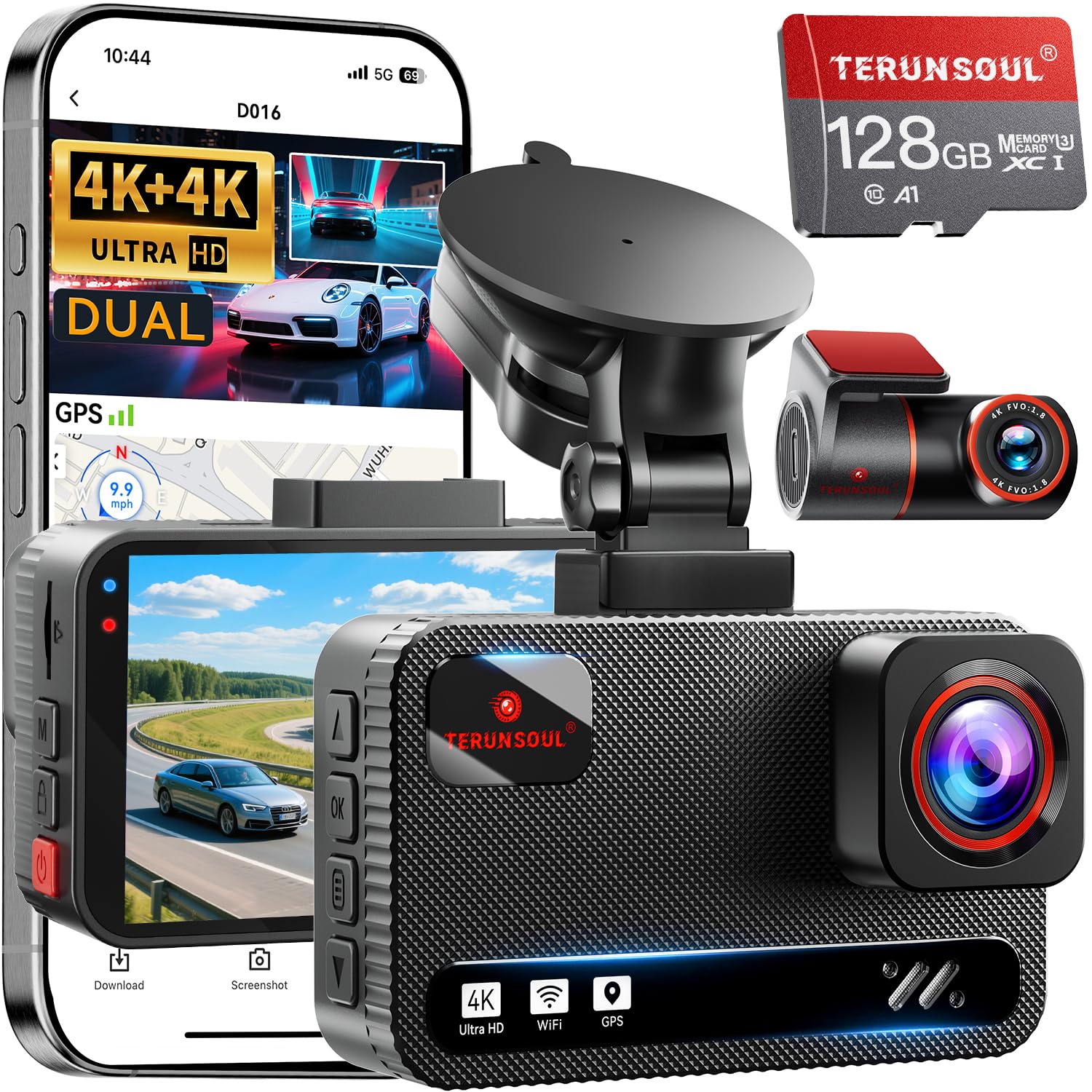
It’s worth buying if someone wants very sharp front and rear 4K footage with fast Wi‑Fi and reliable parking monitoring.
Pros
- Both front and rear cameras record very clear 4K video.
- Fast 5.8GHz Wi‑Fi makes downloading clips to a phone quick.
- Built‑in GPS and 24‑hour parking mode add useful evidence and protection.
Cons
- Needs a hardwire kit for full parking power, which buys extra cost.
- The screen is small, so navigating menus can feel tight.
- Setup in some cars required careful cable routing to hide wires.
They installed this in a compact SUV and the picture impressed right away. Daytime footage showed clear plate details and wide road coverage. Night shots looked brighter than many other cams they tried, thanks to the large apertures.
Connecting via the Terunsoul app felt fast; transferring a 4K clip took only seconds on 5.8GHz. The GPS track overlay helped confirm speed and route when they reviewed an incident. The app also let them tweak settings without unplugging the unit.
Parking mode caught a low-speed bump when the car was unattended, and the G-sensor locked the clip automatically. They noted the included 128GB card was handy, but long-term parking recording needs the separate hardwire cable to avoid draining the battery.
Overall, it felt like a solid upgrade for someone who wants true dual 4K recording and quick wireless downloads. The unit looked tidy once cables were hidden and gave confidence with its clear evidence and dependable features.
TERUNSOUl 4K 3-Channel Dash Cam

It’s a solid buy for drivers who want full coverage and clear 4K front footage without fuss.
Pros
- Sharp 4K front video and useful night detail.
- Triple-channel coverage (front, rear, cabin) for full protection.
- Easy wireless access and a 128GB card included.
Cons
- Parking mode needs a separate hardwire kit.
- Small screen can be fiddly for menu navigation.
- Bundle of cables and parts takes time to tidy up.
They installed the unit in under an hour and found the mount stable and the cables neat once tucked away. The front camera produced crisp daytime clips and readable plates, and the rear and cabin feeds filled blind spots that single cameras miss.
Connecting over 5.8GHz WiFi felt fast when previewing footage on the phone, and the app pulled clips quickly for sharing. GPS data showed speed and route in exported clips, which helped verify a short trip they reviewed.
Night recordings surprised them with usable detail thanks to the starlight lens and HDR, though very dark backstreets lost some clarity. Overall, it handled daily driving well and gave peace of mind, especially for family trips and rideshare drivers.
Buy it on Amazon: TERUNSOUl 4K 3-Channel Dash Cam
ROVE R2-4K Dual

It is worth buying if you want clear front and rear video, simple app downloads, and reliable parking recording.
Pros
- Very sharp daytime and night footage thanks to Sony STARVIS 2.
- Fast 5G Wi‑Fi makes grabbing clips to your phone quick.
- Includes a 128GB card and useful mounting kit out of the box.
Cons
- Parking mode needs a hardwire kit to run 24/7.
- Large files use a lot of storage and battery when downloading.
- Menu and app options can feel packed and take time to learn.
They set this up in under 20 minutes and it stuck to the windshield solidly. Footage looked crisp on the 3″ screen and on my phone after a quick Wi‑Fi transfer. Driving around town showed wide coverage of lanes and intersections.
Night footage stood out compared with many dash cams tried before. Street signs and plate details were more readable, and the low‑light colors did not wash out. The rear camera kept a clean view of following traffic and parking spots.
Using the app felt fast for downloading short clips, though big 4K files still take a minute to move. The parking options felt smart in theory, but the hardwire kit is needed for full-time use — expect an extra purchase if you want always‑on protection.
Overall, it performed like a high‑end unit without fuss during daily drives. The kit includes plenty of cables and mounts so they felt ready to install and use right away.
FAIMEE 3‑Channel 4K Dash Cam
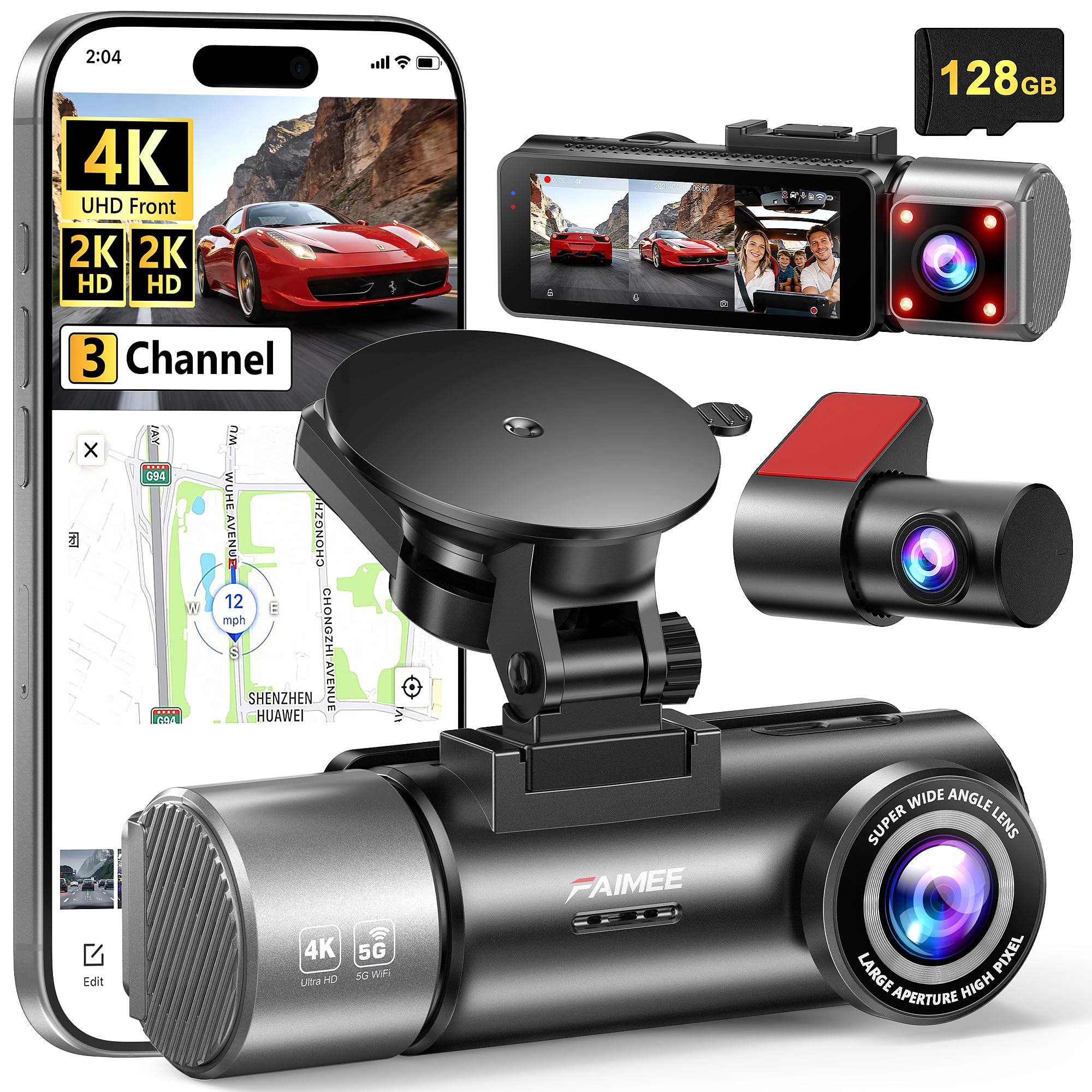
It’s a solid buy for anyone who wants clear front, cabin, and rear video plus GPS and Wi‑Fi for easy playback.
Pros
- Very sharp daytime and night footage
- Covers front, interior, and rear for full monitoring
- Easy phone access with dual‑band Wi‑Fi
Cons
- Hardwiring kit sold separately for true 24/7 parking mode
- Three cables take time to route neatly
- App can be a bit slow on large video downloads
They set this up in under an hour and the pictures were noticeably crisp right away. The 4K front camera caught license plates at short to medium distances, and the interior and rear 2K views picked up faces and details clearly.
Driving at night felt safer because the WDR and F1.8 lens kept contrast in check. Sudden headlights or dark shadows didn’t wash out the video, so events look usable for insurance or ride disputes.
Pairing the device with the FAIMEE app worked fine on both 2.4G and 5.8G, though downloading long clips took patience. The included 128GB card meant immediate recording, but they recommend buying a hardwiring kit if you need true 24/7 parked recording.
Redtiger F7NP 4K Dash Cam

It is a solid buy for drivers who want clear 4K front footage, reliable night video, and fast Wi‑Fi for easy clip downloads.
Pros
- Very sharp 4K front video and clear night images.
- Fast 5.8GHz Wi‑Fi makes grabbing clips quick.
- Comes ready with a big memory card and useful parking modes.
Cons
- App and GPS setup can be fiddly at first.
- Rear cable routing takes time to hide neatly.
- Some features need a hardwire kit for full use.
They used this camera for daily commutes and long trips and found the video detail impressive. The STARVIS 2 sensor pulled in road signs and license plates even at dusk. Clips looked balanced without blown highlights, which helps when footage is needed as proof.
Connecting the phone worked faster than other dash cams they tried. The app downloads clips in seconds over 5.8GHz Wi‑Fi, so saving and sharing episodes felt simple. GPS data showed routes and speed, though syncing the GPS display required a few tries.
Installation felt practical but not instant. The suction mount held tight, and the supercapacitor eased worry about heat and battery wear. Running the rear 21ft cable under trim took extra time, and getting parking mode fully functional needs a hardwire kit, which they had to buy separately.
Overall, it delivered reliable day and night recording and made reviewing footage painless with its fast Wi‑Fi. The included 128GB card and parking options gave peace of mind for parked cars. If someone wants strong video quality and easy clip sharing, this camera works well.
VIRROW X5 Dash Cam (4K Front + 2.5K Rear)
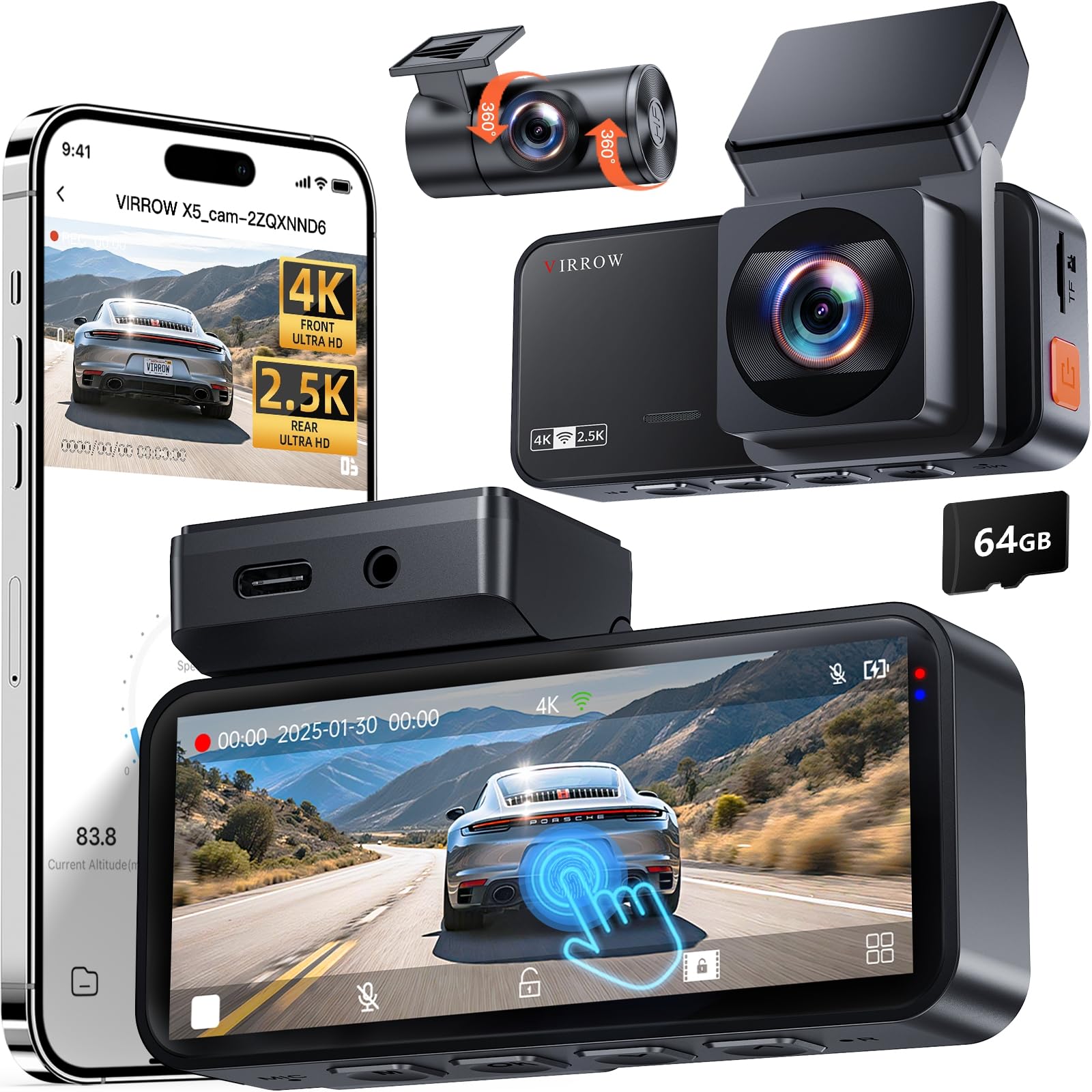
It’s worth buying if you want sharp day/night footage and easy app access to clips.
Pros
- Very clear 4K front and good 2.5K rear video.
- Simple touchscreen controls and quick app download.
- Includes 64GB card and useful parking mode.
Cons
- Speed overlay is not shown on recordings.
- Rear camera cable can be long and tricky to hide.
- Hardwire kit for full parking power is sold separately.
They set this up in about 20 minutes and found the sticky mount stayed put on the windshield. The touchscreen made switching clips painless, and the phone app let them pull video over Wi‑Fi without digging through files.
Driving at night showed real detail; license plates and lane markings were readable more often than with older cams. The wide front and rear views cut down blind spots, so it felt safer on busy roads and highways.
Parking mode worked when motion triggered it, but they noted the unit won’t record 24/7 without buying the hardwire kit. Overall, it felt like a strong value for someone who wants high-resolution footage and easy daily use.
REDTIGER F7N Touch

It’s a strong buy for drivers who want crisp 4K front footage, easy phone control, and reliable parking monitoring.
Pros
- Sharp 4K front video with good night detail.
- Fast 5GHz Wi-Fi makes file transfer quick.
- Simple touchscreen and voice commands reduce drive-time fiddling.
Cons
- Rear camera image is good but not 4K.
- Parking mode needs a hardwire kit to run properly.
- Touchscreen or screen issues can appear for some units.
The F7N felt solid to install. The suction mount held firm on the windshield and the long rear cable reached easily in a mid-size car. Hiding the wires took a few minutes with the pry tool included.
Recording looked excellent while driving. Daytime clips showed clear lanes and signs, and night shots kept usable detail thanks to the STARVIS 2 sensor. The rear camera picked up cars behind clearly, though it was softer than the front.
Using the app over 5GHz Wi‑Fi made downloading clips painless. Voice commands worked in traffic noise and the touchscreen made menu setup fast. GPS traces and speed info showed up in recordings, which helped when reviewing an incident.
Parking monitoring gave peace of mind during errands, but the user should plan to buy the hardwire kit for reliable 24-hour surveillance. Customer support was responsive when an LCD glitch occurred, and the 18-month warranty adds a safety net.
Overall, it performed like a higher-end dash cam without a huge price tag and is worth considering for drivers who want strong front video and easy phone access.
IIWEY N5 4-Channel Dash Cam

This dash cam is worth buying if someone wants full 360° coverage and easy app access for quick video checks.
Pros
- Covers front, rear, sides, and interior with one system.
- Comes with a 128GB SD card and reliable loop recording.
- Built-in 5GHz WiFi makes downloading clips faster.
Cons
- Must use the included cigarette lighter charger or optional hardwire kit.
- No GPS or OBD support, so no speed/location tracking.
- WiFi turns off after a few minutes to avoid overheating, which can be annoying.
They found the install straightforward. The main unit fitted on the windshield without fuss and the rear and side cameras had flexible mounts that let them angle each lens just right.
Video looked sharp in daylight and the night view held up better than many single-camera systems. The multiple angles saved them from guessing which side a hit came from during a parking incident.
Using the app felt convenient once they remembered to long-press the WiFi button before connecting. Transferring clips was quick on 5GHz, though the auto WiFi shutoff meant they sometimes had to reconnect to grab a longer clip.
Powering it only via the original car charger felt limiting. They recommend buying the hardwire kit if someone wants true 24-hour parking mode or a cleaner install with hidden cables.
IIWEY N5 Pro 4K 4-Channel
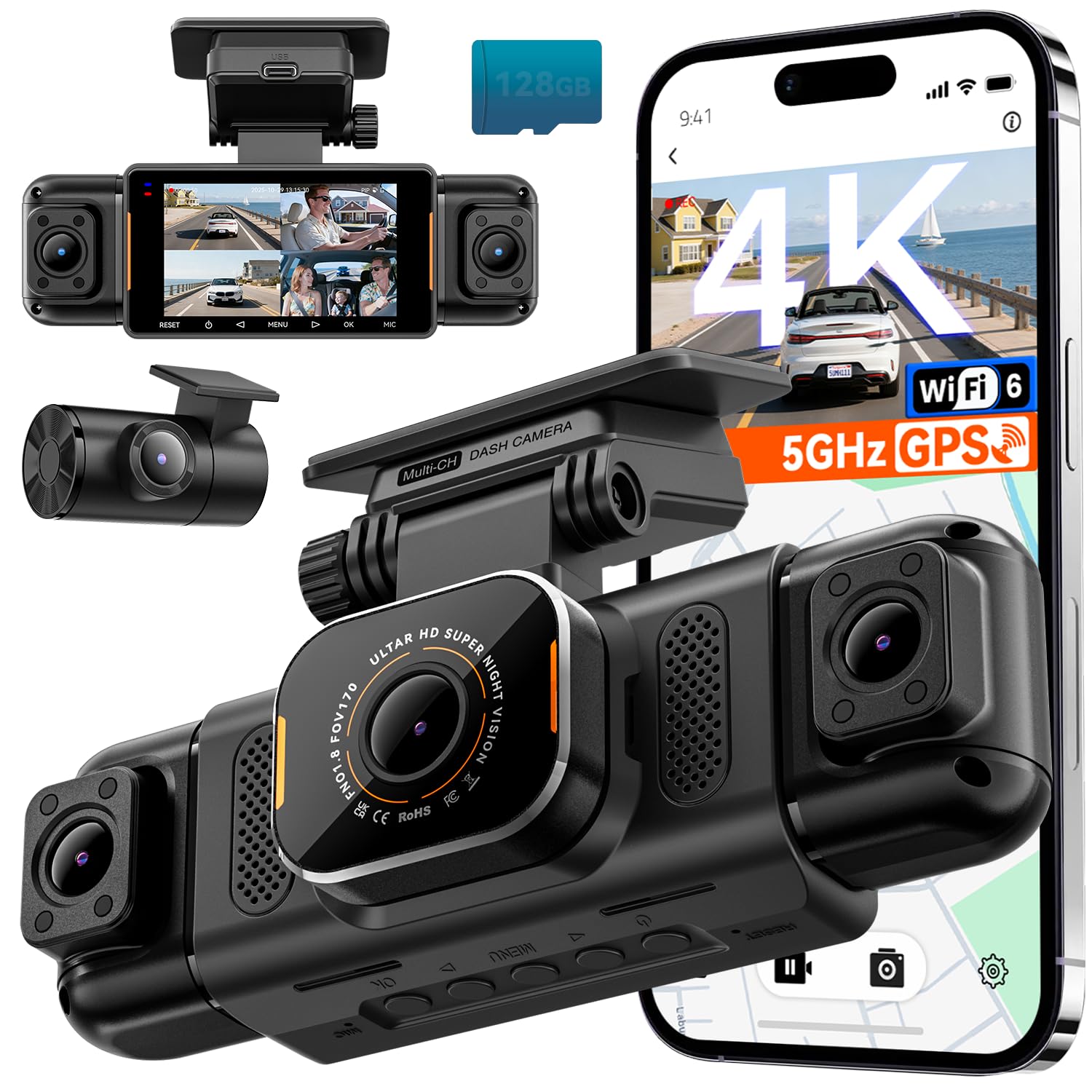
The N5 Pro is worth buying if someone wants true 360° coverage with clear 4K front footage and reliable night performance.
Pros
- Very wide, clear 4K front video that shows license plates and signs.
- Real all-around coverage with adjustable side and rear cameras.
- Fast WiFi and solid app controls make file transfer easy.
Cons
- Parking mode needs a separate hardwire kit to work correctly.
- Big unit and several cables make neat installs take time.
- Rear camera mount can be semi-permanent and hard to reposition.
They set up the N5 Pro in under an hour and found the instructions and video guides helpful. The front camera gave sharp daytime clips, and the side cameras caught details at intersections that a single lens would miss.
At night the system switched to black-and-white and kept shapes and plates readable. The IR lamps on the side cameras reduced glare on dark streets, which felt reassuring on late drives.
Using the IIWEY app, downloads moved quickly over the 5GHz WiFi, and mapping showed exact routes thanks to the built-in GPS. Parking protection worked well once hardwired, though they wished the kit came in the box.
Overall, the N5 Pro felt like a full security upgrade for daily driving and long trips, as long as buyers plan for a tidy install and the extra wiring item for 24/7 monitoring.
Buying Guide
When choosing a wireless dash cam, readers should focus on clear video quality. Look for at least 1080p resolution and good low-light performance to capture details day and night.
They should check field of view and mounting style. A wider angle shows more of the road, but too wide can distort edges.
Battery and power options matter for parking mode. Long battery life or a hardwire kit helps record while parked. Heat tolerance is important for reliability in hot cars.
Wireless features make use easier. Wi‑Fi or Bluetooth lets users download clips to a phone without removing the camera. App ease and update support affect daily use.
Storage and recording modes affect what gets saved. Look for loop recording, motion or impact triggers, and options for local or cloud backup. A reliable memory card class is important for continuous recording.
Build and installation should match the vehicle and driving habits. Compact designs hide behind the mirror. Secure mounting reduces vibration and keeps footage sharp.
Price vs. value matters. Higher cost can mean better sensors or warranties, but basic models can still meet core needs. Balance the features needed with the budget.
Quick checklist:
- Video resolution: 1080p or higher
- Low-light performance: good sensor or night mode
- Power/parking: battery life or hardwire option
- Wireless: Wi‑Fi/Bluetooth and app quality
- Storage: loop, triggered recording, card reliability
- Mounting: stable and unobtrusive design
Editor’s Choice
The editor picks the NexCam S2 as the best wireless dash cam for most drivers. It records crisp 1440p video and keeps frames steady, so footage looks clear in daylight and at night.
They like its built-in Wi‑Fi and easy app. Users can preview, download, and share clips without removing the SD card, which makes daily use simple and fast.
Battery life is solid for short parking recordings, and the device supports loop recording and motion detection. It also uses a heat‑resistant mount that stays stuck in hot cars.
Key specs at a glance:
- Resolution: 1440p
- Wi‑Fi: Yes, app control
- Storage: MicroSD up to 256 GB
- Features: Loop recording, motion detection, parking mode
The editor noted that the NexCam S2 has occasional app lag on older phones. It still delivers reliable video and useful features for most budgets.
They recommend pairing the camera with a high‑endurance microSD card. That reduces file errors and keeps important clips safe.
FAQS
What is a wireless dash cam?
A wireless dash cam records driving video without a wired connection to a rear camera or display. It often uses Wi‑Fi or Bluetooth to send clips to a phone or cloud.
How does it get power?
Most plug into the car’s 12V outlet or hardwire to the fuse box. Some have an internal battery for short parking use, but batteries last only a few minutes to an hour.
Can it record while parked?
Yes, many models offer parking mode that records impacts or motion. It usually needs constant power or a special hardwire kit to run overnight.
How do they save video?
They save to a microSD card or upload to cloud storage. Loop recording overwrites old files to keep recording without running out of space.
Is video quality good enough for evidence?
Most record at 1080p or 1440p, which is usually clear enough to read plates and show events. Nighttime quality varies by sensor and lens.
Are they hard to install?
Basic installation is simple: mount the camera and plug in a power cable. Hardwiring or adding a rear camera takes more skill or a mechanic.
Do they need a subscription?
Some features, like cloud backup or advanced alerts, need a paid plan. Core recording and local storage usually do not require a subscription.
How secure is the wireless connection?
Security depends on the brand and firmware updates. Choose models with encryption and keep the firmware current to reduce risks.
Conclusion
A wireless dash cam can make driving safer and easier to document. It frees drivers from messy cables and often adds smart features like cloud backup and app control.
When choosing, they should weigh video quality, night performance, and mounting style. Battery life and subscription costs for cloud services also matter.
A few key points to remember:
- Video clarity: 1080p is common; 2K or 4K gives more detail.
- Night vision: Look for good low-light performance.
- Connectivity: Wi‑Fi and Bluetooth make downloads simple.
Many users will prefer a camera with reliable parking mode and impact detection. Others might choose extra features like GPS and lane-departure alerts.
Price and ease of use usually guide the final pick. A mid-range model often balances performance and cost well.
They should read recent reviews and check warranty terms before buying. Testing a new dash cam in familiar conditions helps ensure settings and placement are right.
