Most modern car stereos can play WAV files via USB or SD card inputs, providing uncompressed, CD-quality audio for the best listening experience. To ensure success, you must format your storage device correctly and check your head unit’s specific file bit-rate limits.
Do you love music? Do you want the best sound while you drive? If so, you might be asking: can car stereo play wav files? This is a great question for anyone who wants high-quality audio. Most people use MP3 files. MP3 files are small and easy to store. But MP3 files also lose some sound quality. This is where WAV files come in. WAV files are the gold standard for clear sound. In this guide, we will look at everything you need to know. We will help you find out if your car can handle these files. We will also show you how to get the best sound possible.
Key Takeaways
- Universal Support: Most aftermarket and modern factory stereos support WAV files through USB ports.
- Lossless Quality: WAV files offer better sound than MP3s because they do not lose data during compression.
- Storage Needs: WAV files are large, so you will need a high-capacity USB drive to hold your music library.
- Formatting Matters: Most car head units require a USB drive formatted to FAT32 or exFAT to recognize WAV files.
- Hardware Limits: Some older stereos may struggle with high bit-rate WAV files, so sticking to 16-bit/44.1kHz is safest.
- The Right Gear: To hear the difference in WAV quality, you should have decent speakers and a clean power source.
Understanding WAV Files and Your Car
Before we dive into the steps, let us talk about what a WAV file is. WAV stands for Waveform Audio File Format. It was made by Microsoft and IBM. It is a “lossless” format. This means it keeps all the data from the original recording. When you listen to a WAV file, it sounds just like a CD. It is much clearer than a standard digital file. Many people wonder, can car stereo play wav files easily? The answer is usually yes, but there are some things to check first.
Why WAV Files Sound Better
Think of an MP3 file like a photo that has been shrunk down. It looks okay, but if you look closely, it is blurry. A WAV file is like a high-resolution photo. It has all the details. You can hear the crisp hit of a drum. You can hear the soft breath of a singer. In a car, there is a lot of road noise. Having a clear file helps the music cut through that noise. This is why many audio fans ask can car stereo play wav files when they upgrade their systems.
Common Compatibility Issues
Not every car is the same. Some older cars only have a CD player. Some only have a radio. If your car has a USB port, you have a good chance. However, some factory radios have basic software. They might only look for MP3 or WMA files. If you have an aftermarket stereo, like a Pioneer or Alpine, you are in luck. These brands almost always support WAV. So, the question of can car stereo play wav files often depends on the age of your gear.
How to Check if Your Car Stereo Can Play WAV Files
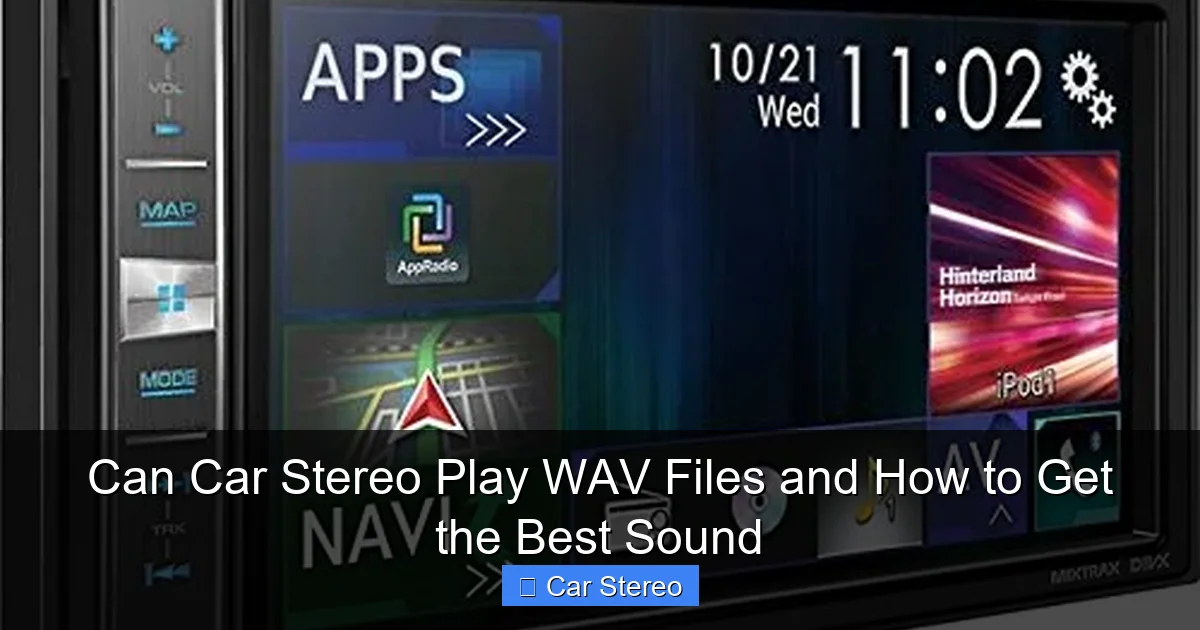
You do not want to spend hours moving files if they will not work. Here is how to check your system. First, look at your owner’s manual. Look for a section called “Supported Formats” or “USB Playback.” It will list all the file types the car can read. If you see “WAV” or “LPCM,” you are ready to go.
Visual guide about Can Car Stereo Play WAV Files and How to Get the Best Sound
Image source: howstereo.com
The Trial and Error Method
If you do not have a manual, do not worry. You can test it yourself. Take a small USB drive. Put one WAV file on it. Plug it into your car. If the song starts playing, you have your answer! If the screen says “No File Found,” then your car might not support it. This is the fastest way to know if can car stereo play wav files for your specific vehicle.
Checking Bit-Rate and Sample Rate
Sometimes a car can play WAV files, but only certain kinds. Most music is 16-bit and 44.1kHz. This is standard CD quality. Some high-end files are 24-bit. Some old car stereos cannot read 24-bit files. If your files won’t play, check this setting. Keeping your files at standard CD quality is the best way to ensure that can car stereo play wav files without a hitch.
Step-by-Step Guide to Playing WAV Files in Your Car
Now that you know your car is ready, let us set everything up. Follow these steps to get your high-quality music moving.
Visual guide about Can Car Stereo Play WAV Files and How to Get the Best Sound
Image source: howstereo.com
Step 1: Get High-Quality WAV Files
You need good files to start with. You can rip them from CDs you own. You can also buy them from high-resolution music stores. Do not try to turn an MP3 into a WAV. This will not make the sound better. It just makes the file bigger. To truly answer can car stereo play wav files with quality, you need original lossless sources.
Step 2: Prepare Your USB Drive
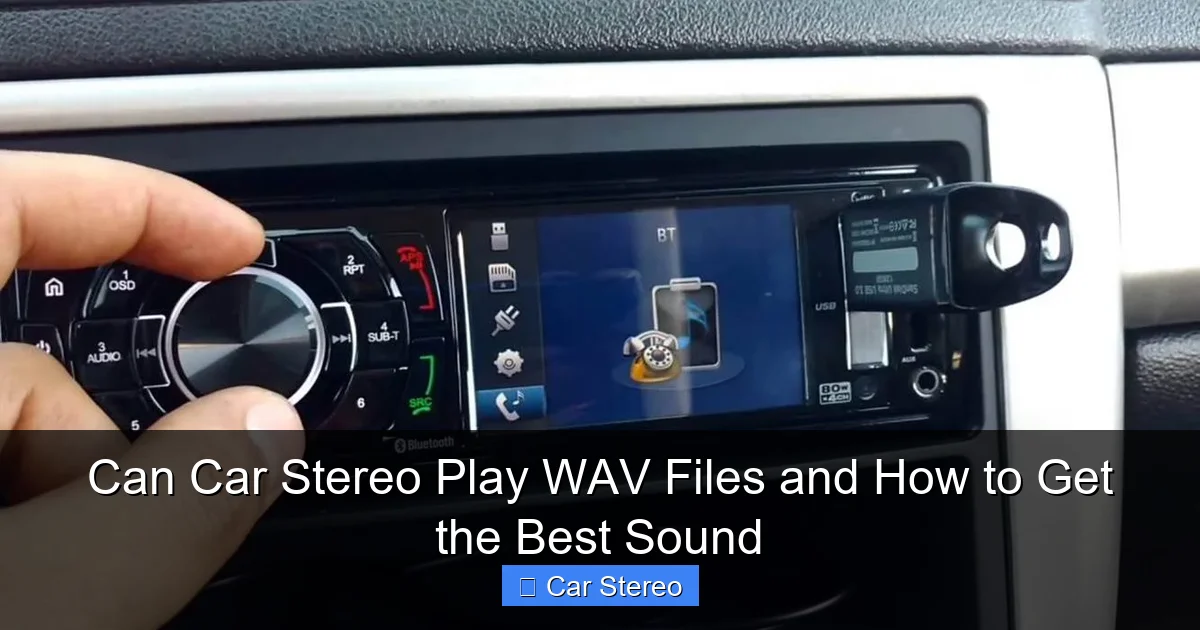
The USB drive is the bridge between your computer and your car. Most car stereos are picky about how the drive is set up. They usually want “FAT32” or “exFAT” formatting. If your drive is formatted for a Mac (APFS) or a modern PC (NTFS), the car might not see it. Plug the drive into your computer. Right-click it and choose “Format.” Choose FAT32 for the best results. This ensures that can car stereo play wav files from the drive easily.
Step 3: Organize Your Music
WAV files do not always hold “metadata” well. Metadata is the info like artist name and song title. Some cars might just show the file name. It is a good idea to name your files clearly. Put them in folders by artist and album. This makes it easier to find songs while you are driving. Even if can car stereo play wav files, it helps if you can actually find the song you want!
Step 4: Plug and Play
Take the drive to your car. Turn the car on. Plug the drive into the USB port. Wait a few seconds for the car to read the drive. Use the “Source” button to select USB. You should see your folders. Select a song and enjoy the clear sound. If you followed these steps, you will see that can car stereo play wav files with amazing results.
Why You Should Use WAV Files in Your Car
You might think, “MP3 is easier.” This is true. But there are big benefits to WAV. If you have spent money on new speakers, you want to hear them work. High-quality files make your speakers sound their best. They provide a deeper bass. They provide a smoother treble. When can car stereo play wav files, it transforms your commute into a concert.
Visual guide about Can Car Stereo Play WAV Files and How to Get the Best Sound
Image source: cdn.shopify.com
Another benefit is lack of lag. Some cheap stereos take a long time to decode compressed files. WAV files are “raw.” The stereo does not have to work hard to play them. This can make your head unit feel faster. So, can car stereo play wav files help performance? In many cases, yes, it can make the system feel snappier.
Potential Downsides to Consider
No system is perfect. The biggest issue with WAV files is size. One minute of WAV music is about 10 megabytes. An MP3 is only about 1 megabyte. This means WAV files take up 10 times more space. You will need a large USB drive if you have a big library. A 64GB or 128GB drive is usually enough for most people. Even if can car stereo play wav files, you have to make sure you have the room for them.
Another issue is the lack of album art. Many WAV files do not show the picture of the album on your car screen. If you love seeing the art, you might prefer FLAC files. FLAC is also lossless, but it handles art better. However, not every car supports FLAC. But almost every car that supports lossless can car stereo play wav files perfectly.
Troubleshooting WAV Playback Issues
Is your stereo acting up? Do not worry. Here are common fixes for when can car stereo play wav files but won’t do it correctly.
The File is Not Recognized
If the file is invisible, check the file extension. It must end in “.wav”. Also, check the USB formatting. As we said before, use FAT32. Some cars cannot read drives larger than 32GB if they are not formatted specifically. If you use a huge drive, the car might give up. This is a common reason why people think can car stereo play wav files is a “no” for their car.
The Sound Skips or Pops
If the music skips, your USB drive might be too slow. WAV files send a lot of data every second. Use a “USB 3.0” drive for better speed. Even if your car is older, a faster drive helps. Also, check for file corruption. Try playing the file on your computer. If it sounds fine there, the issue is likely the drive or the car’s port.
Error: “Unsupported Bit-Rate”
This happens if you use “Studio Quality” files. If you have a 32-bit file, most cars will fail. Convert your files to 16-bit or 24-bit. Most humans cannot hear the difference above 16-bit anyway, especially in a moving car. Fixing the bit-rate is key to making sure can car stereo play wav files every time you hit the road.
WAV vs. FLAC: Which is Better for Your Car?
Many people ask about FLAC. FLAC is like a “zipped” WAV file. It is lossless but smaller. If your car supports FLAC, it is a great choice. It saves space and keeps the quality. But, can car stereo play wav files more often than FLAC? Yes. WAV is an older, more basic format. More car manufacturers include it in their software. If you want the most compatible lossless file, stick with WAV.
How to Get the Best Sound Quality
Playing the file is just the start. To really hear the difference, you need to tune your system. Here are some tips to help you once you know can car stereo play wav files on your unit.
Upgrade Your Speakers
Factory speakers are often made of cheap paper. They cannot show off the detail in a WAV file. Replacing them with “component speakers” will change your life. Look for brands like Focal, Morel, or JL Audio. These speakers have the range to handle high-fidelity audio.
Use a Quality Connection
If you are not using a USB drive, how are you playing the file? If you use Bluetooth, you are losing quality. Bluetooth compresses the music again. To get the benefit of WAV, you must use a wired connection. Use the USB port or a high-quality Aux cable. This is the only way to ensure that can car stereo play wav files at their true potential.
Add an Amplifier
A car’s head unit does not have much power. It can make the music loud, but it might get “muddy.” An external amplifier provides clean power. This helps the WAV files sound dynamic. You will hear the quiet parts and the loud parts clearly. This is a big step in the journey of asking can car stereo play wav files for a better experience.
Sound Dampening
Cars are noisy. They are made of metal and plastic that vibrates. You can buy “sound deadening” mats. You stick these inside your doors. They stop the vibrations and block road noise. This makes the “floor” of your sound lower. Now, those clear WAV files will sound even better because you are not fighting the sound of the tires.
The Role of the Digital-to-Analog Converter (DAC)
Inside your car stereo is a chip called a DAC. This chip turns the digital 1s and 0s of your WAV file into sound waves for your speakers. Some cars have very cheap DACs. If the DAC is poor, even a WAV file won’t sound great. Aftermarket stereos often have “24-bit DACs.” These are much better. If you are serious about sound, look for a head unit with a high-quality DAC. This is a huge part of why can car stereo play wav files differently from one car to another.
Converting Your Music to WAV
Do you have a large CD collection? You can “rip” them to your computer. When you do this, choose WAV as the format. Most software like Windows Media Player or iTunes can do this. Make sure the settings are set to “Lossless.” Once you have the files, you can put them on your USB drive. This is the most common way people use the can car stereo play wav files feature.
What if you have MP3s? You can convert them to WAV, but we do not recommend it. As we said before, you cannot add quality back once it is gone. It is like trying to turn a small drawing into a giant painting. It will just look blurry. Only use WAV if you have the original CD or a high-res download. This ensures you aren’t wasting space when can car stereo play wav files for your listening pleasure.
Conclusion: Enjoying the Ride
So, can car stereo play wav files? Yes, in most cases, it can. It is one of the best ways to enjoy music while you drive. By using uncompressed audio, you hear every detail. You just need a compatible head unit and a properly formatted USB drive. Remember to keep your files organized and your bit-rates standard. If you want the best sound, consider upgrading your speakers or adding an amp. The effort is worth it. Once you hear your favorite album in high-fidelity WAV format, you will never want to go back to MP3. Safe driving and happy listening!
🎥 Related Video: Which is better: wav or mp3 files?
📺 RØDE
