
In this guide, you will learn about the capabilities of an OBD2 scanner, specifically whether it can clear codes related to your vehicle’s issues. Understanding this process can save you time and money when diagnosing and fixing your car’s problems.
Key Takeaways
- Point 1: OBD2 scanners can read and clear diagnostic trouble codes (DTCs) from your vehicle’s onboard computer.
- Point 2: Clearing codes does not fix the underlying issue; it’s essential to diagnose the problem first.
- Point 3: Different types of OBD2 scanners vary in features; choose one that suits your needs.
- Point 4: Always refer to your vehicle’s repair manual for specific codes and troubleshooting steps.
- Point 5: A good practice is to note the codes before clearing them for future reference.
- Point 6: Clearing codes without fixing the problem can lead to recurring issues and more significant repairs.
- Point 7: Regularly using an OBD2 scanner can help maintain your vehicle’s health and performance.
Does OBD2 Scanner Clear Codes for Your Vehicles Issues
Have you ever encountered a check engine light on your dashboard? It can be frustrating and concerning. Fortunately, with an OBD2 scanner, you can easily diagnose and manage various vehicle issues. In this guide, we will explore whether an OBD2 scanner can clear codes and how to use it effectively.
What is an OBD2 Scanner?
An OBD2 (On-Board Diagnostics II) scanner is a tool that connects to your vehicle’s diagnostic port to read and interpret trouble codes. These codes help identify issues with the engine, transmission, and other essential systems in your vehicle. By understanding these codes, you can pinpoint what’s wrong and take appropriate action.
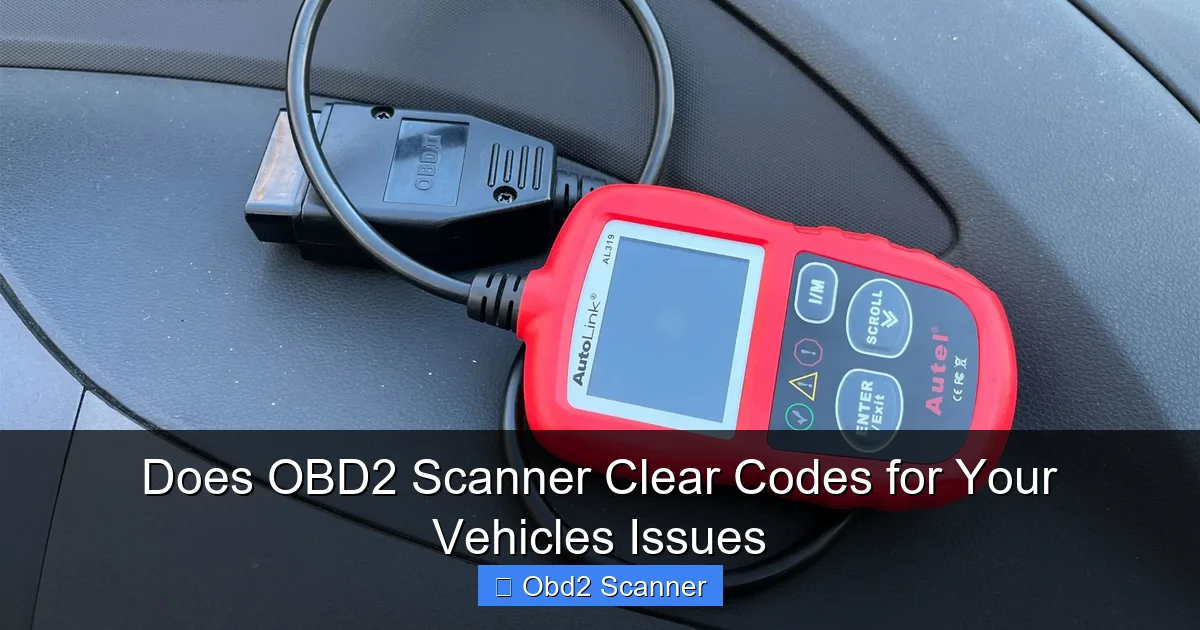
Visual guide about Does OBD2 Scanner Clear Codes for Your Vehicles Issues
Image source: thedrive.com
How Does an OBD2 Scanner Work?
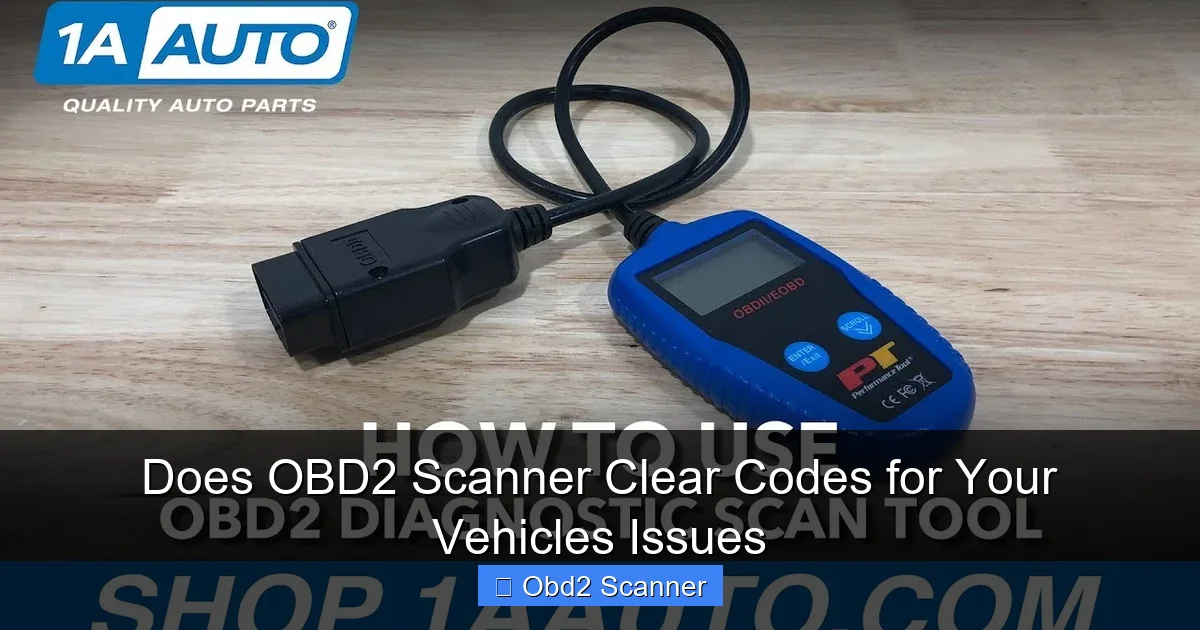
The OBD2 system in modern vehicles monitors various components and systems to ensure optimal performance. When a problem is detected, the vehicle’s computer generates a diagnostic trouble code (DTC). An OBD2 scanner connects to the vehicle’s OBDII port, retrieves these codes, and displays them for you to analyze.
Visual guide about Does OBD2 Scanner Clear Codes for Your Vehicles Issues
Image source: i.ytimg.com
Can an OBD2 Scanner Clear Codes?
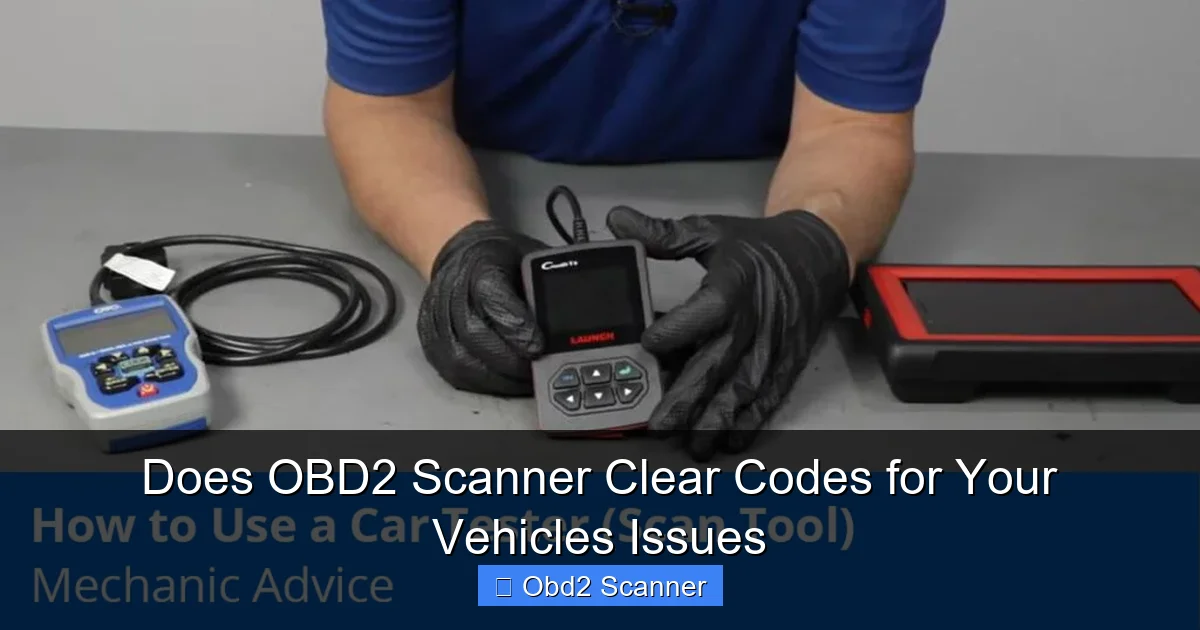
Yes, an OBD2 scanner can clear codes from your vehicle’s computer. However, it’s essential to understand what this means. When you clear the codes, you reset the check engine light and remove the codes from the memory. This can be helpful in certain scenarios, but it does not fix the underlying issue.
Visual guide about Does OBD2 Scanner Clear Codes for Your Vehicles Issues
Image source: blog.1aauto.com
Step-by-Step Instructions for Using an OBD2 Scanner
To effectively use an OBD2 scanner to clear codes, follow these steps:
Step 1: Gather Your Tools
- OBD2 Scanner: Ensure you have a compatible OBD2 scanner for your vehicle.
- Vehicle Manual: Keep your vehicle’s manual handy to help interpret codes.
- Notebook: Write down any codes you retrieve for future reference.
Step 2: Locate the OBD2 Port
The OBD2 port is usually located under the dashboard, near the steering column. It can vary by vehicle, so refer to your vehicle’s manual if you have difficulty finding it.
Step 3: Connect the OBD2 Scanner
Plug the OBD2 scanner into the port. Ensure that your vehicle is turned off before connecting. Once connected, turn the ignition to the “On” position without starting the engine.
Step 4: Power Up the Scanner
Most OBD2 scanners will power on automatically when connected. If not, you may need to press a button to turn it on. Wait for the scanner to initialize.
Step 5: Read Diagnostic Trouble Codes (DTCs)
Follow the prompts on the scanner’s screen to navigate to the “Read Codes” option. This will display any stored DTCs, which you can then write down for reference.
Step 6: Clear the Codes
To clear the codes, select the “Clear Codes” or “Erase Codes” option on the scanner. Confirm your choice when prompted. The scanner will then erase the codes from the vehicle’s memory.
Step 7: Check Engine Light Status
Once the codes are cleared, turn off the vehicle and then restart it. Check if the check engine light is still illuminated. If it remains off, the codes have been successfully cleared.
Practical Tips for Using an OBD2 Scanner
Here are some practical tips to enhance your experience with an OBD2 scanner:
- Use the Right Scanner: Not all OBD2 scanners are the same. Some offer advanced features like live data streaming, while others only read and clear codes. Choose a scanner that meets your needs.
- Document Codes: Always note the codes before clearing them. This information can be crucial if the issue persists.
- Research Codes: Use online databases or your vehicle’s manual to understand what each code means before taking action.
- Regular Maintenance: Using an OBD2 scanner regularly can help you maintain your vehicle’s performance and catch issues early.
Troubleshooting Common Issues
If you encounter issues while using your OBD2 scanner, consider the following troubleshooting tips:
- Scanner Not Powering On: Ensure it’s correctly plugged into the OBD2 port and that your vehicle is in the correct ignition position.
- No Codes Displayed: If the scanner displays no codes, it could mean that no issues have been detected, or the scanner may not be compatible with your vehicle.
- Cannot Clear Codes: If the scanner fails to clear codes, check if the engine light is still on. Some codes cannot be cleared until the issue is resolved.
Conclusion
In conclusion, an OBD2 scanner is a valuable tool for diagnosing and managing your vehicle’s issues. Not only can it read trouble codes, but it can also clear them, providing a temporary solution. However, always remember that clearing codes does not replace the need for proper diagnosis and repair. By understanding how to use an OBD2 scanner effectively, you can save time and money while maintaining your vehicle’s health.
🎥 Related Video: HOW TO CLEAR A CHECK ENGINE LIGHT WITH A $50 DOLLAR OBD 2 – SCAN TOOL (WORKS)
📺 HILLYARD’S RIM LIONS
WELCOME BACK RIM LIONS, SO TODAY WE GOT THIS 2014 CADILLAC ESCALADE THAT JUST PULLED UP, SO IT HAS A …
