In this comprehensive guide, you will learn how to connect an OBD2 scanner to your car efficiently. This process will help you diagnose issues, monitor performance, and keep your vehicle in top shape. Follow our step-by-step instructions for a seamless connection!
Key Takeaways
- Understand OBD2: OBD2 stands for On-Board Diagnostics, a system that monitors vehicle performance and emissions.
- Choose the Right Scanner: Select an OBD2 scanner compatible with your car make and model for optimal results.
- Locate the OBD2 Port: Familiarize yourself with your vehicle’s OBD2 port location, usually under the dashboard near the driver’s seat.
- Follow Connection Steps: Carefully follow the steps to connect your scanner, ensuring a secure fit to avoid errors.
- Read and Interpret Codes: Learn to read error codes and understand what they mean for your vehicle’s health.
- Troubleshooting Tips: Know common issues that can arise during connection and how to resolve them quickly.
- Regular Maintenance: Use your OBD2 scanner regularly to maintain your vehicle’s performance and catch issues early.
Ultimate Guide on How to Connect OBD2 Scanner for Your Car
If you’ve ever wondered how to connect an OBD2 scanner to your car, you’re in the right place! This guide will walk you through the entire process, from understanding what an OBD2 scanner is, to successfully connecting it and interpreting the data it provides. Whether you’re a DIY enthusiast or just want to keep an eye on your vehicle’s health, learning to connect an OBD2 scanner can save you time and money in the long run.
What is an OBD2 Scanner?
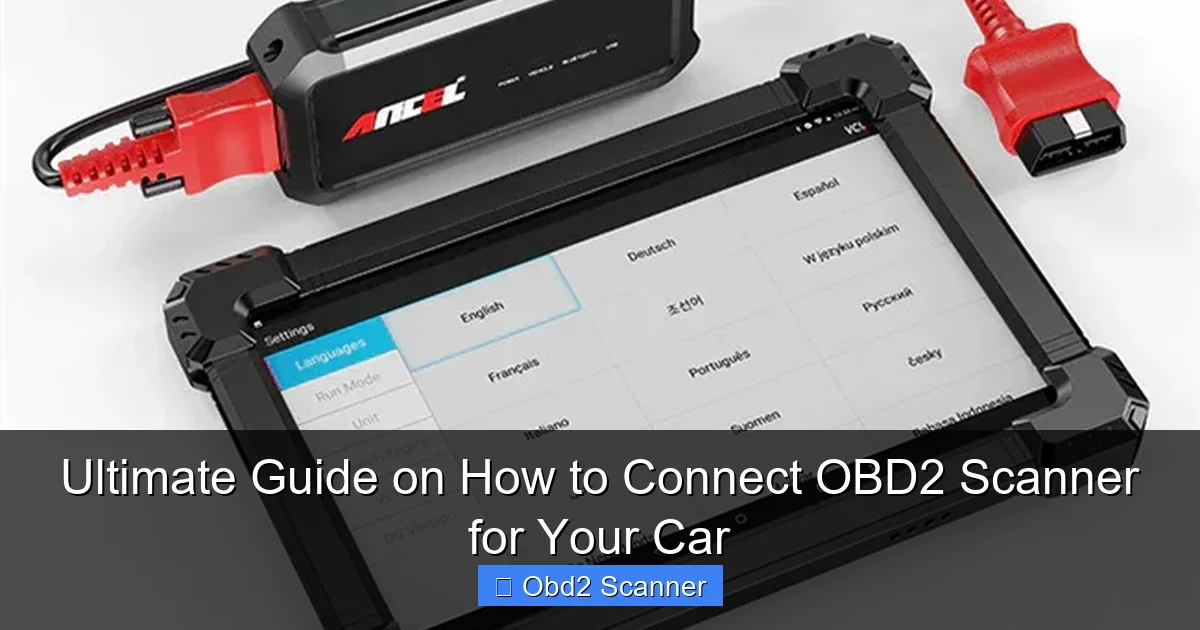
OBD2 stands for On-Board Diagnostics, Version 2. It’s a standardized system used in vehicles to monitor performance and emissions. An OBD2 scanner is a tool that connects to your car’s OBD2 port, allowing you to read diagnostic trouble codes (DTCs) and monitor various parameters. By using an OBD2 scanner, you can identify issues before they become bigger problems, helping you maintain your vehicle effectively.
Visual guide about Ultimate Guide on How to Connect OBD2 Scanner for Your Car
Image source: ancel.com
Step-by-Step Instructions to Connect an OBD2 Scanner
Step 1: Gather Your Tools
Before you start, make sure you have the following:
Visual guide about Ultimate Guide on How to Connect OBD2 Scanner for Your Car
Image source: totalcardiagnostics.com
- Your OBD2 scanner
- Your car
- A reliable power source (most OBD2 scanners operate on the car’s battery)
- User manual for your scanner (if available)
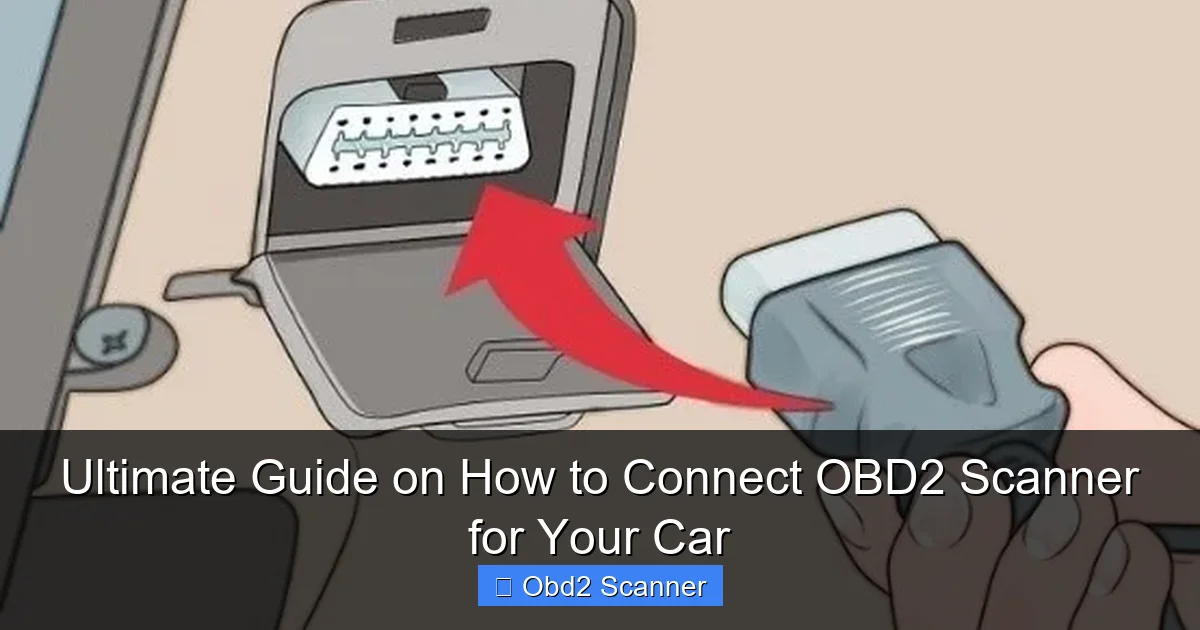
Step 2: Locate the OBD2 Port
To connect your OBD2 scanner, you first need to find the OBD2 port in your vehicle. Here’s how:
- Check Under the Dashboard: The OBD2 port is usually located under the dashboard, near the driver’s seat.
- Look for a Diagnostic Connector: The port resembles a trapezoidal shape and may have a cover on it.
- Refer to Your Owner’s Manual: If you’re having trouble finding it, consult your vehicle’s owner’s manual for specifics.
Step 3: Prepare Your Vehicle
Before connecting, ensure that your vehicle is in a safe position:
- Turn Off the Engine: It’s safer to connect the scanner while the engine is off.
- Set Your Vehicle to “On” Position: For most scanners, you might need to turn the ignition to the “on” position without starting the engine.
Step 4: Connect the OBD2 Scanner
Now it’s time to connect:
- Plug in the Scanner: Insert the scanner’s connector into the OBD2 port. Ensure it fits securely.
- Power On the Scanner: Depending on the model, it may power on automatically or you may need to press a button.
Step 5: Read Diagnostic Codes
Once your scanner is connected and powered on, follow these steps:
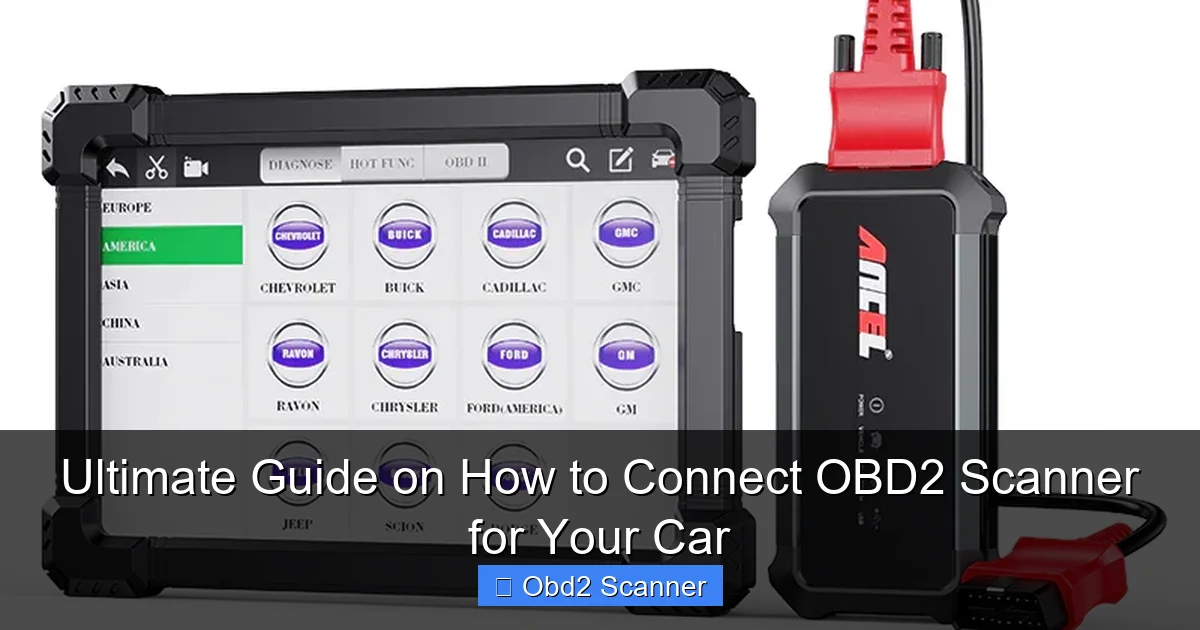
- Select the Vehicle Make: Some scanners require you to select your vehicle’s make and model.
- Navigate to the Diagnostic Menu: Use the scanner’s interface to find the option to read codes.
- Record Any Codes: Write down any codes displayed on the screen for further research.
Step 6: Interpret the Codes
After obtaining the codes, it’s crucial to understand what they mean:
- Consult the Manual: Check the scanner’s manual or look up the codes online to understand the issues.
- Look for Patterns: If multiple codes are present, they may be related to one underlying issue.
Step 7: Take Appropriate Action
Once you’ve interpreted the codes, decide on your next steps:
- DIY Repair: If you’re comfortable, you can attempt minor repairs yourself.
- Consult a Mechanic: For complex issues, it may be best to take your vehicle to a professional.
Practical Tips
Here are some practical tips to keep in mind:
- Regular Checks: Make it a habit to connect your scanner periodically to catch issues early.
- Stay Updated: Keep your scanner’s software updated for the best performance.
- Learn About Your Vehicle: Familiarize yourself with common issues for your make and model.
Troubleshooting Common Issues
Sometimes, you may encounter issues while connecting your OBD2 scanner. Here’s how to troubleshoot common problems:
Visual guide about Ultimate Guide on How to Connect OBD2 Scanner for Your Car
Image source: ancel.com
Scanner Not Powering On
If your scanner doesn’t turn on:
- Ensure it’s properly connected to the OBD2 port.
- Check your vehicle’s ignition position; it should be on.
- Inspect the scanner for any visible damage.
Scanner Fails to Read Codes
If your scanner can’t read codes:
- Confirm that the vehicle is compatible with your scanner.
- Check if the OBD2 port is clean and free from debris.
- Try a different scanner to determine if the issue lies with the scanner or the vehicle.
Unclear or Unfamiliar Codes
If you encounter codes you don’t understand:
- Refer to the scanner manual or an online resource to decode them.
- Consider seeking assistance from a professional mechanic.
Conclusion
Connecting an OBD2 scanner to your car is a straightforward process that can greatly enhance your understanding of your vehicle’s health. By following the steps outlined in this guide, you can easily monitor performance, diagnose issues, and take charge of your car’s maintenance. Remember, regular use of your OBD2 scanner can help you catch problems early, saving you time and money in the long run. So, grab your scanner and start connecting today!
🎥 Related Video: How to Use an OBD2 Scan Tool
📺 EasyAutoFix
OBD2 Scanner: https://amzn.to/4jdzrUc ▶︎ Check Out ALLDATA Manuals: …
