
Resetting your Pioneer car stereo is a fast and easy way to fix software glitches, Bluetooth issues, or frozen screens. This guide covers physical reset buttons, menu settings, and battery disconnect methods to get your music playing again. Whether you have a modern touchscreen or a classic CD player, these proven steps will help you restore your head unit to factory settings safely.
Key Takeaways
- Identify the Reset Type: Learn the difference between a soft reset and a hard factory reset to save time.
- Locate the Hidden Button: Most Pioneer units feature a tiny, recessed reset button that requires a paperclip or pin.
- Touchscreen Navigation: Modern Pioneer NEX and DMH units allow you to reset directly through the system settings menu.
- Power Cycling: Disconnecting the car battery is a foolproof “last resort” method for unresponsive head units.
- Backup Your Settings: Remember that a factory reset will erase your radio presets, EQ settings, and paired Bluetooth devices.
- Firmware Awareness: Sometimes a reset isn’t enough; you may need to update your firmware to fix recurring software bugs.
Learn How to Reset Pioneer Car Stereo Systems the Easy Way
Have you ever turned on your car only to find your radio is acting strange? Maybe the screen is frozen. Perhaps your phone will not connect to Bluetooth. It can be very frustrating when your music stops. Pioneer makes some of the best car stereos in the world. However, even the best electronics can have a bad day. When this happens, you need to know how to reset pioneer car stereo systems. A quick reset can solve most common software problems. It is like giving your stereo a fresh start. In this guide, we will walk you through every method. We will keep it simple and easy to follow. You do not need to be a mechanic to fix your radio today.
Why You Might Need to Reset Your Pioneer Stereo
There are many reasons why a reset is necessary. Most of the time, it is because of a small computer glitch. Modern car stereos are basically small computers. Sometimes they get “confused” and need a reboot. Here are a few common signs that you need to learn how to reset pioneer car stereo units.
Visual guide about Learn How to Reset Pioneer Car Stereo Systems the Easy Way
Image source: motoristcare.com
The Screen is Frozen
If you touch the screen and nothing happens, your unit is frozen. This often happens if the processor gets overwhelmed. A reset forces the system to shut down and restart.
Bluetooth Connection Issues
Is your phone failing to pair? Does the music skip when you play it wirelessly? Resetting the Bluetooth memory can fix these annoying link errors.
Audio Settings Are Messed Up
Sometimes we play with the equalizer and make it sound worse. If you cannot get the sound back to normal, a factory reset will bring back the original settings.
Preparing to Sell Your Car
If you are selling your vehicle, you want to protect your privacy. A reset clears your phone book and your home address from the GPS. It ensures the next owner starts with a clean slate.
Method 1: Using the Physical Reset Button
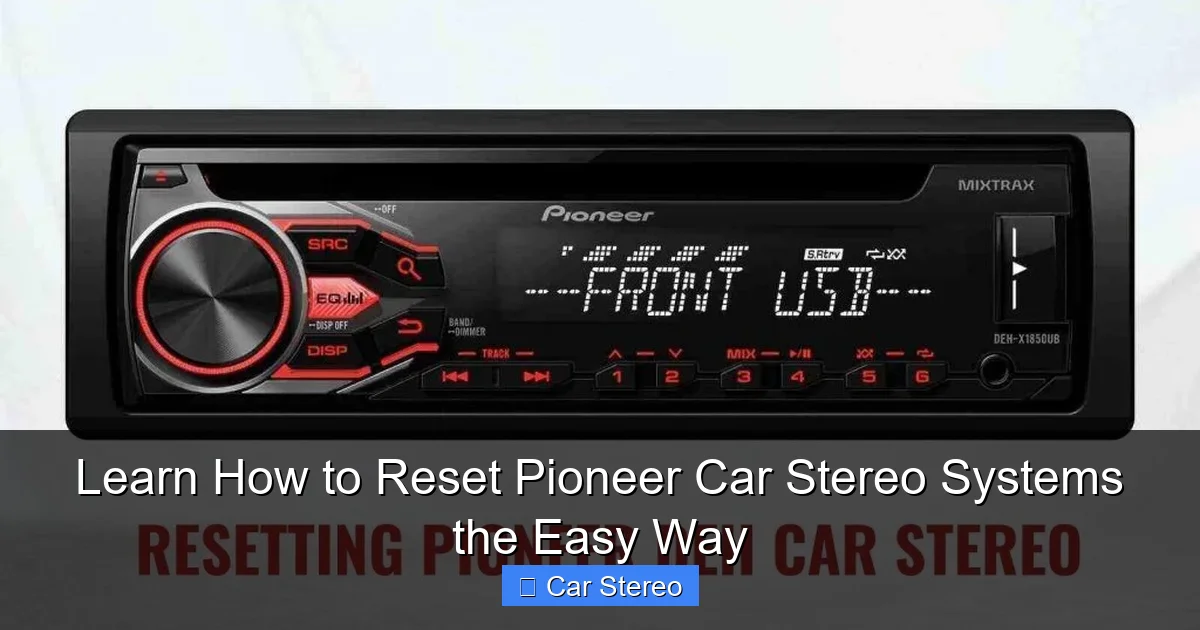
Most Pioneer car stereos have a secret weapon. It is a tiny button hidden on the front or behind the faceplate. This is the fastest way to perform a hard reset. This method works well if your screen is completely unresponsive.
Visual guide about Learn How to Reset Pioneer Car Stereo Systems the Easy Way
Image source: motoristcare.com
Step 1: Locate the Reset Button
Look for a very small hole on the front of your stereo. It is usually about the size of a pinhead. On older Pioneer DEH models, you might need to detach the faceplate to see it. On newer double-DIN units, it is often near the volume knob or at the bottom corner.
Step 2: Find a Reset Tool
Because the button is recessed, you cannot press it with your finger. You will need a small, thin object. A paperclip is the best tool for this job. You can also use a sturdy toothpick or a sewing pin. Be very gentle so you do not damage the internal switch.
Step 3: Press and Hold
Insert your tool into the hole. Press down until you feel a soft click. Hold the button for about three to five seconds. You should see the screen go dark and then start to reboot. Once the Pioneer logo appears, you can let go.
Method 2: Resetting via the Touchscreen Menu
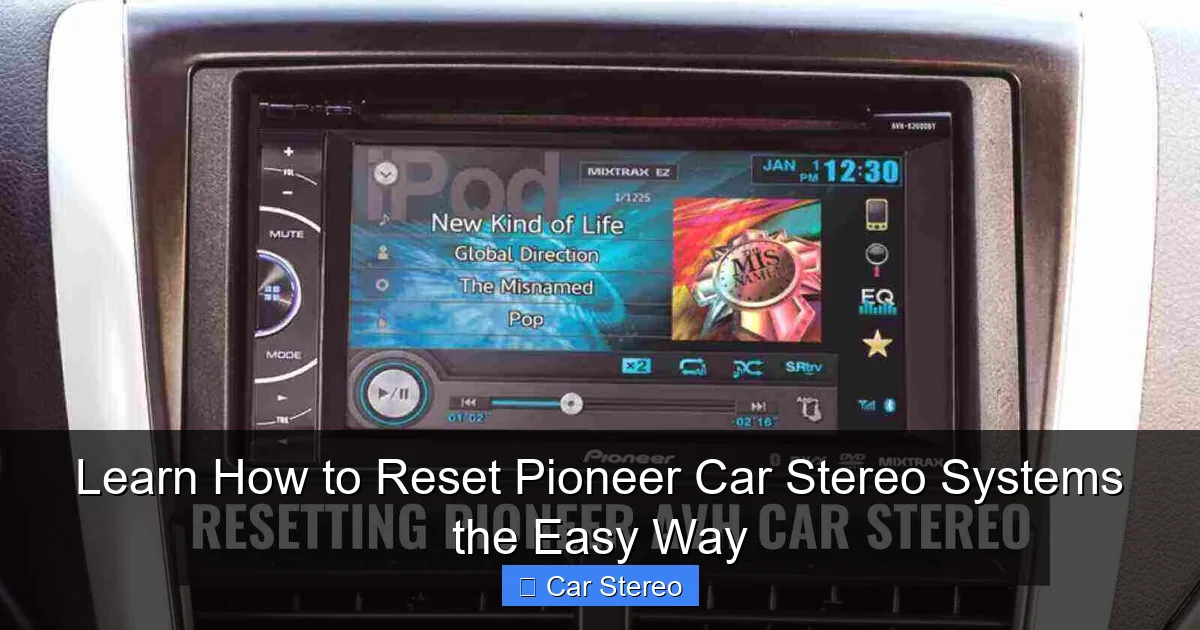
If your stereo is a modern Pioneer NEX, AVH, or DMH model, you can use the software menu. This is the preferred method if your screen is still working. It allows the system to shut down safely. Here is how to reset pioneer car stereo settings using the digital menu.
Visual guide about Learn How to Reset Pioneer Car Stereo Systems the Easy Way
Image source: motoristcare.com
Step 1: Turn on the Ignition
Make sure your car is in “Acc” mode or fully running. Your stereo needs power to navigate the menus. Stay parked while you do this for safety.
Step 2: Open the Settings Menu
Look for the icon that looks like a gear or a set of tools. This is the “Settings” button. Tap it to open the main menu. You will see several categories like Audio, Video, and System.
Step 3: Navigate to System Settings
Scroll down or tap the “System” icon. This is where the core functions of the stereo live. In some models, this might be labeled as “Initial Settings” or “General.”
Step 4: Find the Restore Settings Option
Look for an option that says “Restore Settings” or “Factory Reset.” Pioneer sometimes calls this “Restore Factory Defaults.” Tap this button. The system will likely ask if you are sure. Select “Yes” or “Confirm.”
Step 5: Wait for the Reboot
The unit will shut down. It may take a minute or two to clear all the memory. Do not turn off your car while this is happening. When the setup screen appears, you have successfully finished the reset.
Method 3: The Battery Disconnect (The Hard Reset)
Sometimes the software is so stuck that buttons do not work. If the physical reset button fails, you need to cut the power completely. This is often called a “hard reset” or “power cycle.” It clears the internal capacitors of the stereo.
Step 1: Open the Hood
Park your car on a flat surface and turn off the engine. Open the hood of your vehicle and locate the car battery. You will see a positive (+) and a negative (-) terminal.
Step 2: Disconnect the Negative Terminal
Use a wrench to loosen the nut on the negative (black) battery terminal. Carefully pull the cable away from the battery post. Make sure the cable is not touching any metal part of the car.
Step 3: Wait Ten Minutes
Wait at least ten minutes. This allows any leftover electricity in the stereo to drain away. While you wait, the memory in the stereo will be wiped clean.
Step 4: Reconnect the Battery
Place the negative cable back on the battery post. Tighten the nut firmly with your wrench. You might hear the stereo make a noise as it receives power again. This is normal.
Step 5: Test the Stereo
Get inside the car and turn the key. Your Pioneer stereo should boot up as if it were brand new. You will need to set the clock and your radio stations again.
How to Reset Pioneer Car Stereo Bluetooth Specifically
Sometimes you do not want to wipe the whole system. You might just want to fix a Bluetooth error. If your phone won’t connect, you can reset the Bluetooth module specifically. This saves you from losing your audio equalizer settings.
Step 1: Enter Bluetooth Settings
Go to your main menu and tap the Bluetooth icon. It looks like a jagged “B.”
Step 2: Clear Device List
Look for a list of paired devices. Many Pioneer units can only remember three to five phones. If the list is full, delete all the old phones. Tap the trash can icon next to each name.
Step 3: Initialize Bluetooth
In the Bluetooth menu, look for an option called “BT Memory Clear” or “Initialize Bluetooth.” Select this option. It will wipe all saved pairing data. Now, you can try to pair your phone again like it is the first time.
Specific Steps for Different Pioneer Models
Pioneer has made hundreds of different models over the years. Not every unit is exactly the same. Here is a quick guide for specific series.
Pioneer DEH Series (Single-DIN)
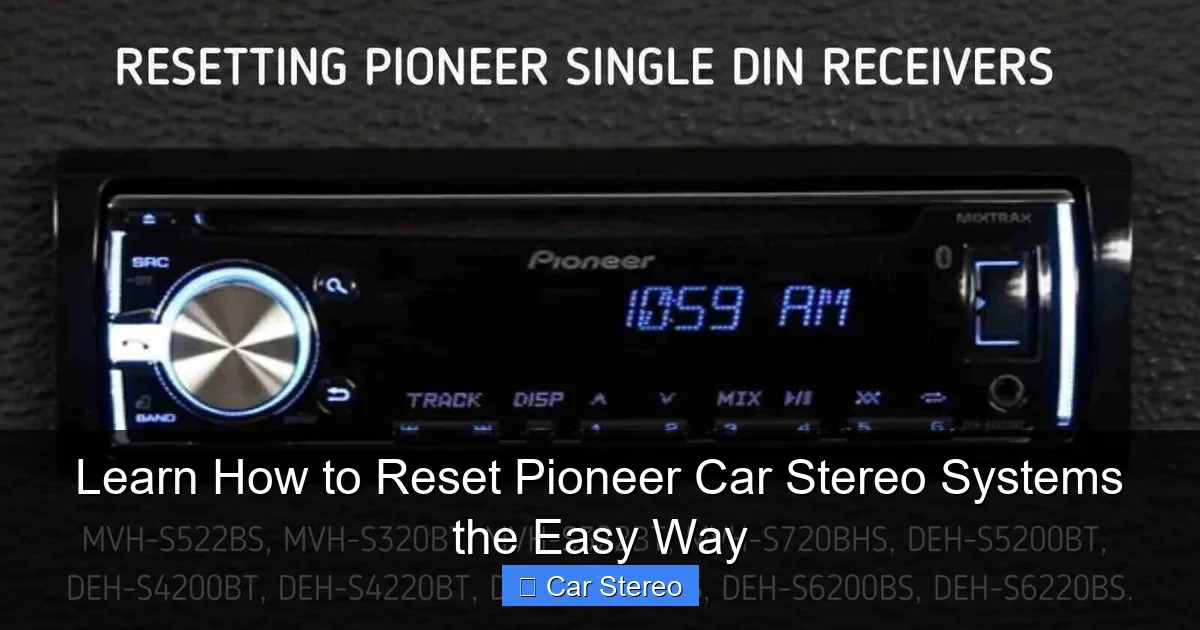
These are the classic rectangular radios with buttons. To reset these, you usually have to press the “SRC” (Source) button to turn the unit off. Then, press and hold the “M.C.” (Multi-Control) dial. This opens the initial menu where you can find the reset option. If that fails, look for the tiny hole behind the detachable faceplate.
Pioneer AVH and NEX Series (Touchscreens)
These units are more complex. They have a specific “Factory Reset” in the System menu. If your NEX unit is stuck on the “Pioneer” logo, you might need to use the paperclip method. The reset hole on NEX units is often very close to the micro-SD card slot.
Pioneer AppRadio Models
For AppRadio users, the reset is often found under “Settings” and then “Information.” These units rely heavily on your phone, so make sure to reset your phone’s Bluetooth settings at the same time.
What to Do After the Reset
Learning how to reset pioneer car stereo systems is only half the battle. Once the reset is done, you have some work to do. Your stereo is now back to its factory state. It will not sound or act like it did before the glitch. Follow these steps to get back to your favorite setup.
Set the Clock
This is the first thing most people notice. The time will be wrong. Go to the “System” or “Clock” menu to update the hours and minutes. If your unit has GPS, it might update the time automatically once it finds a satellite signal.
Restore Your Equalizer
Pioneer units usually come with a “Flat” sound profile. It might sound a bit boring at first. Go to “Audio Settings” and find the EQ. Most people prefer the “Powerful” or “Vivid” preset. If you are an expert, you can set the custom bands manually.
Pair Your Phone
Open your phone’s Bluetooth settings. Search for new devices. You should see “Pioneer” or the model number appear. Tap it and follow the pairing code prompts on the screen. Make sure to allow the stereo to access your contacts if you want hands-free calling.
Program Your Radio Stations
A factory reset wipes your FM and AM presets. Tune to your favorite stations and hold down the number buttons to save them. This is a great time to find some new stations you might have missed!
Troubleshooting: If the Reset Does Not Work
Sometimes you follow every step on how to reset pioneer car stereo units, and the problem stays. This can be very discouraging. Do not worry yet. There are a few more things you can check.
Check the Wiring
If the stereo will not turn on at all, it might not be a software issue. A loose wire in the back can cause the unit to reboot randomly. Make sure the wiring harness is plugged in tight. If you installed it yourself, check your crimps and tape.
Check the Fuses
Every car stereo has a fuse. There is usually one in the car’s fuse box and one on the back of the Pioneer unit itself. If a fuse is blown, no amount of resetting will fix it. Replace any blown fuses with a new one of the same amperage.
Update the Firmware
Pioneer releases software updates called “firmware.” These updates fix bugs that a reset cannot. Go to the Pioneer website and type in your model number. Download the latest firmware onto a USB stick. Plug the stick into your stereo and follow the update instructions in the manual. This is often the permanent fix for recurring freezes.
Internal Hardware Failure
If you see a “Memory Error” or the screen stays white, the internal hardware might be broken. Over time, heat can damage the circuit boards in a car. If the unit is old, it might be time for an upgrade. If it is new, check your warranty. Pioneer usually offers a one-year warranty on their products.
Safety Tips for Resetting Your Stereo
Working on electronics requires a little bit of caution. Here are a few tips to keep you and your car safe.
- Don’t Use Sharp Needles: While a sewing pin works, it can be too sharp. It might slip and scratch the circuit board. A blunt paperclip is always the safest choice.
- Avoid Resetting While Driving: Never try to perform a reset while the car is moving. It takes your eyes off the road. It can also cause the backup camera to fail if you are in reverse.
- Be Careful with the Battery: When disconnecting the battery, always remove the negative cable first. This prevents sparks if your wrench touches the car’s metal body.
- Don’t Force It: If the reset button doesn’t click, don’t push harder. You might be aiming at the wrong spot. Use a flashlight to see exactly where the button is located.
Frequently Asked Questions About Pioneer Resets
People often have the same questions when they are trying to fix their audio system. Here are the most common things people ask about how to reset pioneer car stereo systems.
Will a reset delete my custom wallpapers?
Yes. A factory reset will remove any custom images or wallpapers you have uploaded. You will need to put them back on a USB drive and upload them again after the reset is finished.
Is there a difference between “Reset” and “Clear All Settings”?
In most Pioneer menus, these mean the same thing. However, some units have a “Soft Reset” which just restarts the unit, and a “Factory Reset” which wipes the data. Always check your specific manual if you are unsure.
Why does my Pioneer stereo keep resetting itself?
This is usually a sign of a power problem. If your car battery is weak, the voltage might drop too low when you start the engine. This causes the stereo to lose its memory. You might need to check your car’s battery or alternator.
Can I reset the password on my Pioneer unit?
If you have set a security password and forgotten it, a standard reset might not work. This is a theft-prevention feature. In this case, you may need to contact Pioneer customer support or take it to an authorized service center with proof of purchase.
Conclusion
Knowing how to reset pioneer car stereo systems is a vital skill for any car owner. It saves you a trip to the repair shop. It can fix 90% of the common problems you face with modern head units. Whether you use the tiny hidden button or the touchscreen menu, the process is quick and painless. Remember to be patient while the system reboots. Once it is back on, take a few minutes to dial in your settings. With your clock set and your Bluetooth paired, you will be back to enjoying your favorite tunes in no time. Pioneer makes durable products, and a simple reset is often all they need to stay in top shape for years to carry you down the road.
🎥 Related Video: pioneer reset settings system
📺 EN_GSM
pioneer reset settings system. pioneer magnitafon nastroykasini qayta tiklash. This is the easiest way to repair it.
