In this guide, you will learn about the common reasons why OBD2 cannot connect to ECU issues and how to troubleshoot them effectively. Gain insights into the connection process and find practical solutions to get your OBD2 scanner working seamlessly.
Key Takeaways
- Point 1: OBD2 scanners need to be compatible with your vehicle’s ECU for proper connection.
- Point 2: Poor quality or damaged OBD2 cables can prevent successful communication.
- Point 3: Ensure your vehicle’s ignition is in the correct position for the OBD2 scanner to connect.
- Point 4: Check for blown fuses or electrical issues that may disrupt the OBD2 connection.
- Point 5: Software glitches in the OBD2 scanner may require updates or reinstallation.
- Point 6: Different vehicles have different protocols; knowing your vehicle’s protocol is crucial.
- Point 7: Consult your vehicle manual for specific information on OBD2 connection issues.
Understanding Why OBD2 Cannot Connect to ECU Issues
When you try to connect your OBD2 scanner to your vehicle’s ECU (Engine Control Unit) and fail, it can be frustrating. Understanding why this happens is key to troubleshooting the issue effectively. In this guide, we will explore the common reasons for connectivity problems and provide detailed steps to resolve them. Whether you’re a DIY enthusiast or a professional mechanic, this guide will equip you with the knowledge to get your OBD2 scanner working.
Step 1: Verify Compatibility
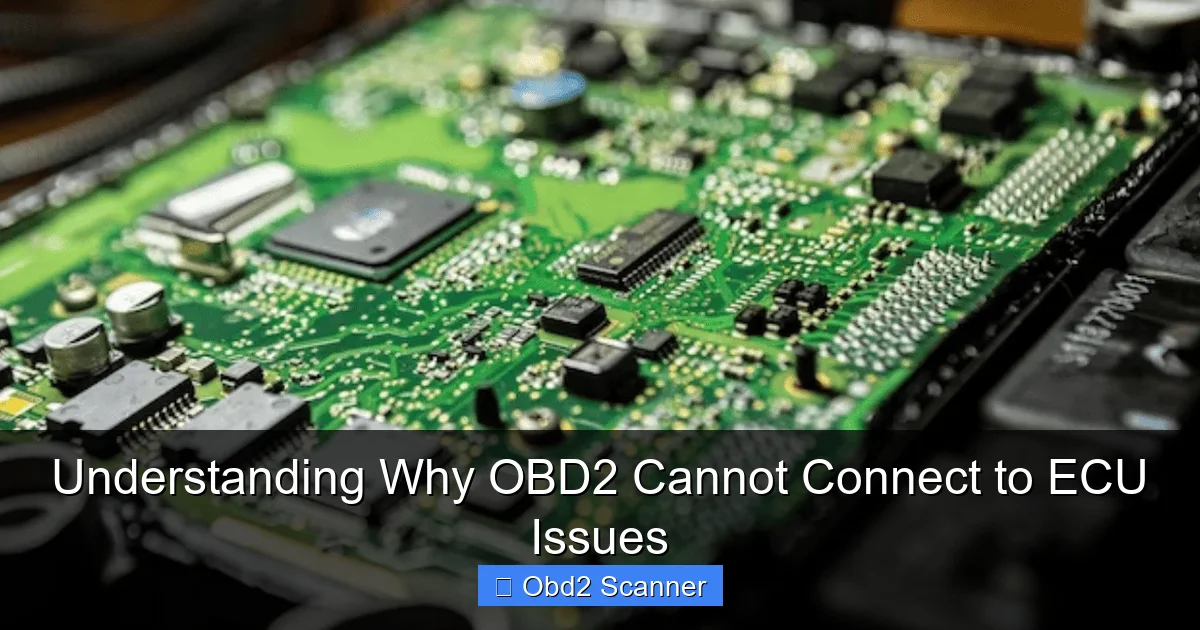
The first step in troubleshooting OBD2 connection issues is to confirm the compatibility between your OBD2 scanner and your vehicle’s ECU. Not all scanners work with every vehicle.
Visual guide about Understanding Why OBD2 Cannot Connect to ECU Issues
Image source: ecu-repairs.com
Check OBD2 Protocols
Different vehicle manufacturers may use different communication protocols. Ensure that your scanner supports the protocol used by your vehicle.
- ISO 9141: Commonly used in older vehicles.
- CAN (Controller Area Network): Widely used in modern vehicles.
- SAE J1850: Used in Ford and GM vehicles.
Step 2: Inspect the OBD2 Cable and Connector
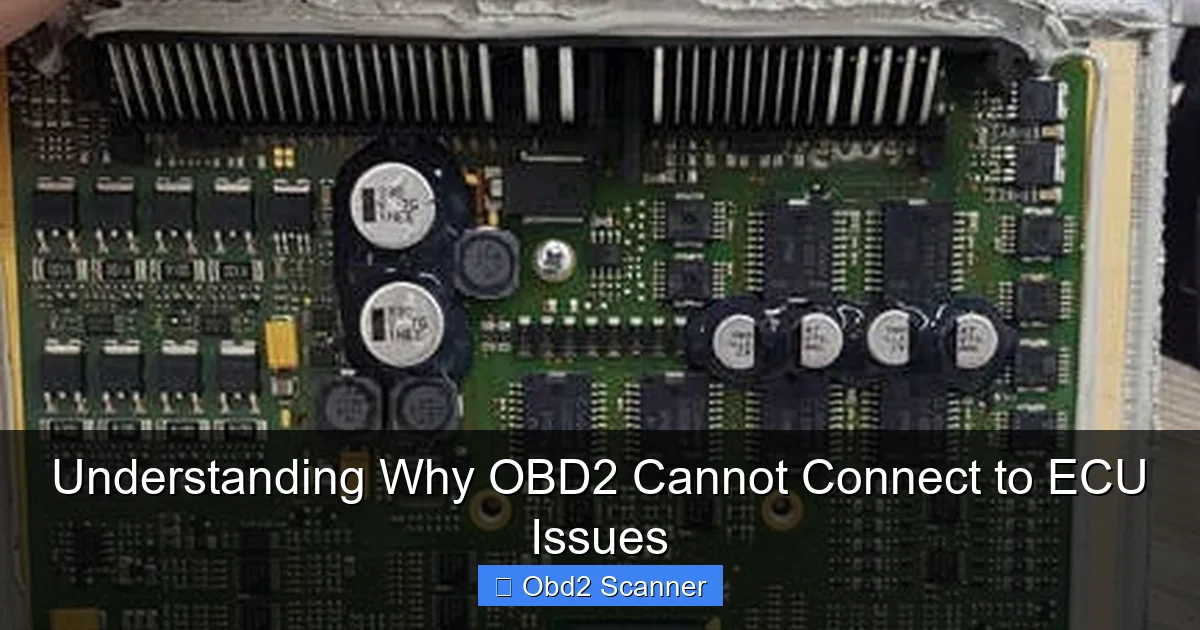
A faulty OBD2 cable or connector can also cause connection issues. Inspect the cable for visible damage.
Visual guide about Understanding Why OBD2 Cannot Connect to ECU Issues
Image source: electronicrepairegypt.com
Look for Damage
Check for frayed wires, bent pins, or corrosion at the connectors. If the cable seems damaged, it may need replacement.
Ensure Proper Connection
Make sure the OBD2 scanner is securely connected to the vehicle’s OBD2 port. A loose connection can prevent communication.
Step 3: Ignition Position
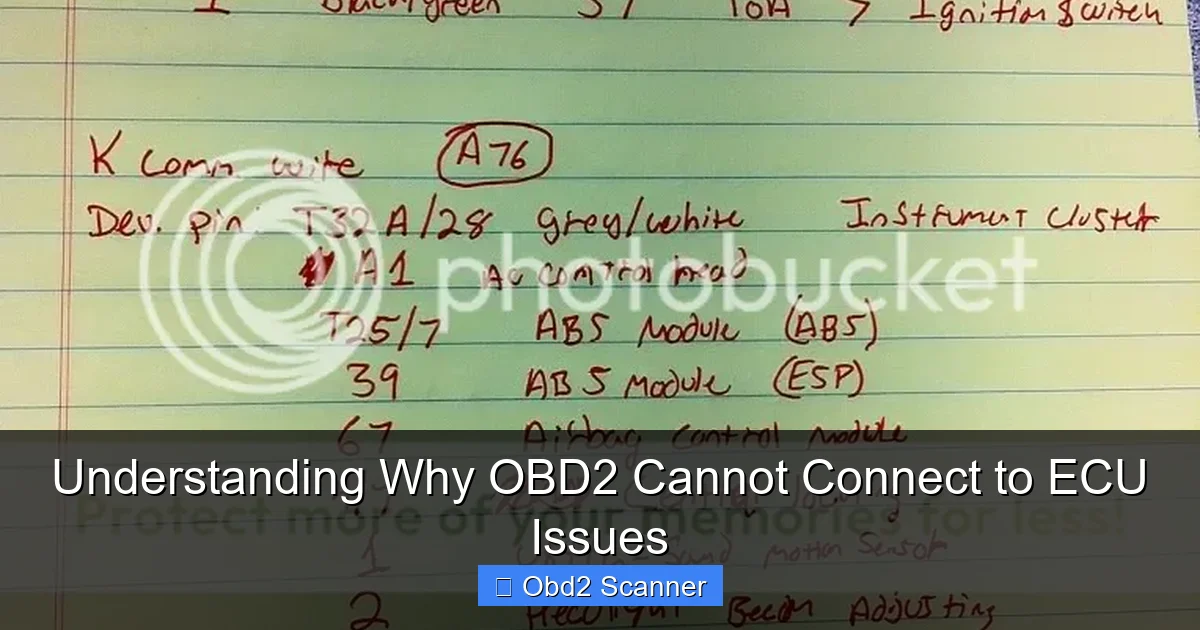
For the OBD2 scanner to connect properly, the vehicle’s ignition must be in the correct position.
Visual guide about Understanding Why OBD2 Cannot Connect to ECU Issues
Image source: i8.photobucket.com
Check Ignition Position
Turn the ignition key to the “ON” position without starting the engine. This allows the scanner to communicate with the ECU.
Step 4: Electrical System Check
Sometimes, the vehicle’s electrical system can cause OBD2 connection issues.
Inspect Fuses
A blown fuse can interrupt the power supply to the OBD2 port. Check the fuse box for any blown fuses related to the ECU or OBD2 system.
Look for Electrical Issues
Check for any signs of electrical problems, such as flickering lights or non-functioning components. These could indicate a deeper electrical issue.
Step 5: Update or Reinstall OBD2 Scanner Software
Software glitches can also lead to connection failures. Keeping your OBD2 scanner software up-to-date is crucial.
Check for Updates
Visit the manufacturer’s website to download the latest software updates for your scanner. Follow the instructions for installation.
Reinstall Software
If updates do not resolve the issue, consider uninstalling and reinstalling the software on your OBD2 scanner.
Step 6: Consult Vehicle Manual
Your vehicle’s manual can provide specific information about OBD2 connection protocols and troubleshooting tips.
Look for OBD2 Section
Many manuals have a section dedicated to diagnostic systems. Refer to it for guidance on common issues and solutions.
Troubleshooting Common Problems
If you’ve followed the previous steps and still cannot connect, here are some common problems and their solutions:
- Problem: Scanner powers on but does not communicate with the ECU.
- Solution: Ensure the vehicle is in the ON position and check the OBD2 cable for any damage.
- Problem: Scanner freezes or shows error messages.
- Solution: Restart the scanner and the vehicle. Ensure software is up to date.
- Problem: Scanner connects intermittently.
- Solution: Inspect the OBD2 port for dirt or debris that might affect the connection.
Conclusion
Connecting your OBD2 scanner to your vehicle’s ECU should be a straightforward process, but various issues can arise. By following the steps outlined in this guide, you can systematically troubleshoot and resolve common connection problems. Remember to always check compatibility, inspect cables, and keep your software updated. With a little patience and diligence, you’ll be able to diagnose and fix any OBD2 connectivity issues.
🎥 Related Video: Obd cannot connect to ecu
📺 muhd farid
