In this guide, we explore whether an OBD2 scanner works on Mercedes models for easy diagnostics. You’ll learn about compatibility, how to use the scanner, and tips for effective troubleshooting. Get ready to simplify your vehicle diagnosis!
Key Takeaways
- Compatibility is Key: While most Mercedes models support OBD2, some might require specific protocols.
- Understanding OBD2 Scanners: Different scanners offer varying levels of functionality; choose one suited to your needs.
- How to Connect: Properly connecting the scanner is crucial for accurate diagnostics; follow the steps carefully.
- Reading Codes: Learn how to interpret error codes effectively for quick troubleshooting.
- Real-time Data: Many scanners provide real-time data, which can help in diagnosing issues quickly.
- Software Updates: Regularly update your scanner’s software for the latest features and vehicle compatibility.
- Consulting Professionals: If unsure, don’t hesitate to consult a mechanic or professional for expert advice.
Does OBD2 Scanner Work on Mercedes Models for Easy Diagnostics
When it comes to diagnosing issues with your vehicle, having the right tools can make all the difference. OBD2 scanners are popular devices used to read diagnostic trouble codes (DTCs) and provide real-time data about your vehicle’s performance. In this guide, we will explore whether OBD2 scanners work on Mercedes models and how you can use them for easy diagnostics. You will learn about compatibility, usage, and troubleshooting tips that can help you maintain your Mercedes effectively. Let’s dive in!
Understanding OBD2 Scanners
Before we get into the specifics of using OBD2 scanners on Mercedes vehicles, it’s essential to understand what these devices are. OBD2, or On-Board Diagnostics II, is a standardized system that allows vehicle owners and technicians to access the performance data of their vehicles. This system provides information about the engine, transmission, and other critical components.
Visual guide about Does OBD2 Scanner Work on Mercedes Models for Easy Diagnostics
Image source: scanneranswers.com
Types of OBD2 Scanners
There are various types of OBD2 scanners available, each offering different features:
- Basic Code Readers: These are simple devices that read and clear trouble codes.
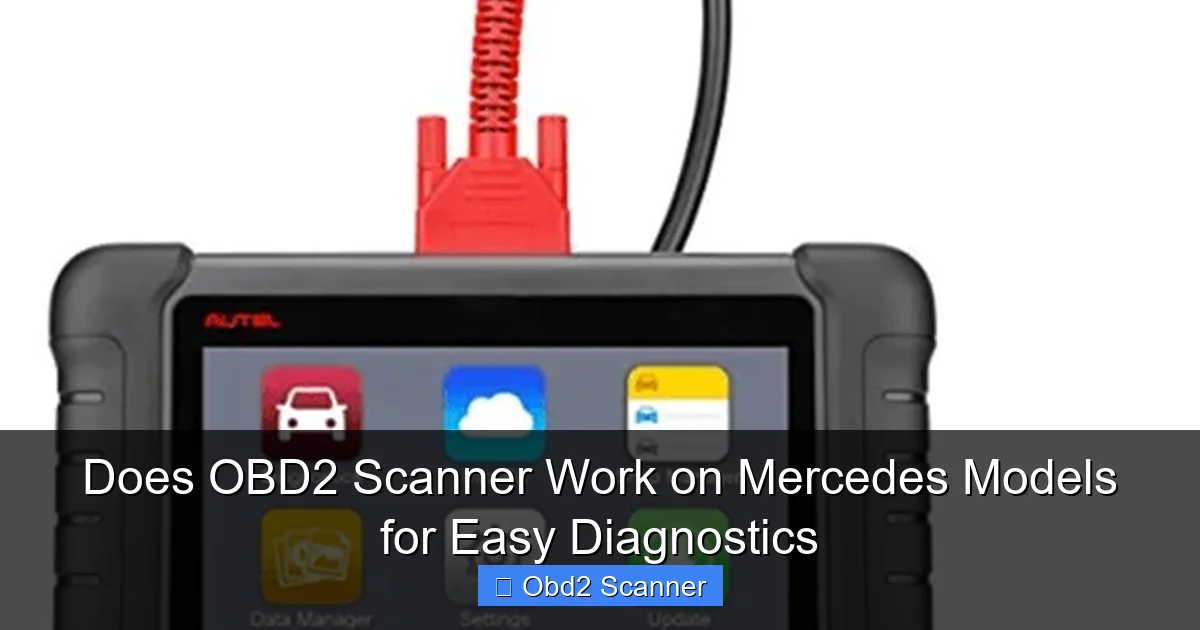
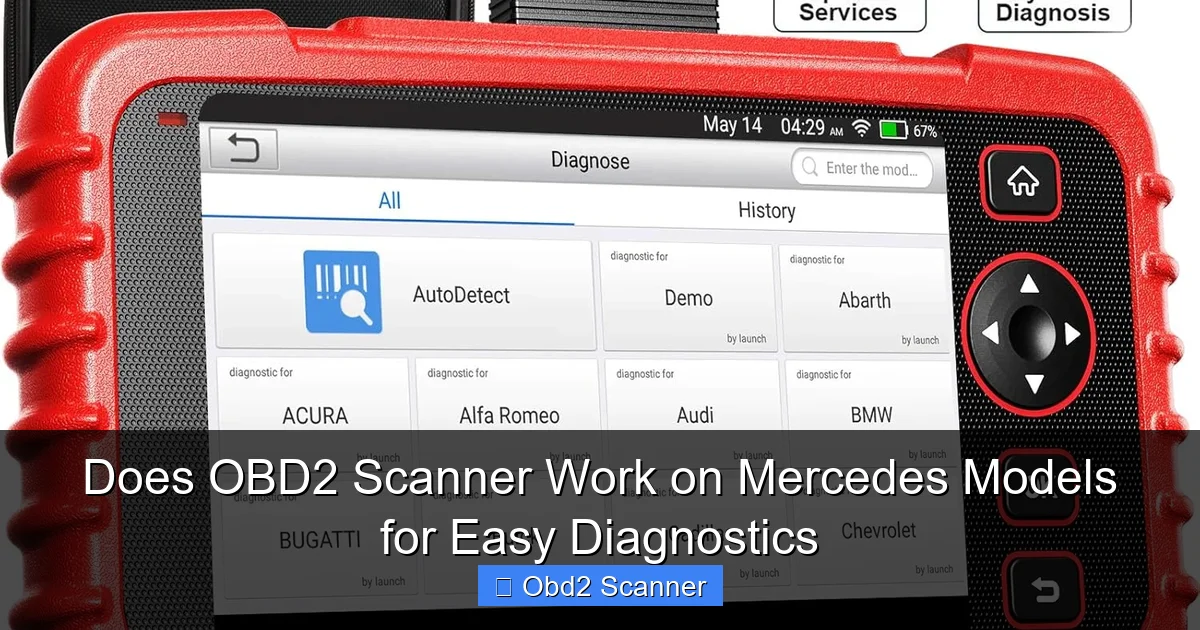
- Advanced Scanners: These provide additional features such as live data streaming, freeze frame data, and enhanced diagnostics for specific makes, including Mercedes.
- Bluetooth Scanners: These connect to your smartphone or tablet, offering convenience and mobility.
Do OBD2 Scanners Work on Mercedes Models?
Yes, OBD2 scanners can work on Mercedes models. However, compatibility can vary based on the model year and the specific communication protocols used by the vehicle. Most Mercedes vehicles manufactured after 1996 are OBD2 compliant, meaning they can be diagnosed using standard OBD2 scanners. However, some models may have proprietary systems that require specialized scanners.
Visual guide about Does OBD2 Scanner Work on Mercedes Models for Easy Diagnostics
Image source: republiclab.com
How to Use an OBD2 Scanner on Your Mercedes
Using an OBD2 scanner on your Mercedes is a straightforward process. Below are the steps to effectively diagnose your vehicle.
Visual guide about Does OBD2 Scanner Work on Mercedes Models for Easy Diagnostics
Image source: images-na.ssl-images-amazon.com
Step 1: Gather Your Tools
Before starting, ensure you have the following:
- OBD2 scanner
- Vehicle owner’s manual (optional)
- Smartphone or tablet (if using a Bluetooth scanner)
Step 2: Locate the OBD2 Port
The OBD2 port is typically located under the dashboard, near the driver’s seat. Here’s how to find it:
- Look beneath the steering wheel.
- Check near the footwell.
- In some models, you may need to remove a cover to access the port.
Step 3: Connect the Scanner
Once you’ve located the OBD2 port, connect your scanner:
- Plug the scanner’s connector into the OBD2 port until it clicks into place.
- If using a Bluetooth scanner, ensure your smartphone or tablet is paired with the scanner.
Step 4: Turn on the Ignition
Next, turn on your vehicle’s ignition without starting the engine. This will power the scanner and allow it to communicate with the car’s computer.
Step 5: Start the Scanning Process
Now it’s time to use the scanner:
- Follow the instructions on your scanner to initiate a diagnostic scan.
- Wait for the scanner to retrieve any trouble codes.
Step 6: Interpreting the Codes
Once the scan is complete, you will receive a list of diagnostic trouble codes. Here’s how to interpret them:
- Write down any codes displayed.
- Refer to the scanner’s manual or an online database to understand what each code means.
- Take note of any recommended solutions or repairs.
Practical Tips for Effective Diagnostics
Here are some tips to enhance your experience while using an OBD2 scanner on your Mercedes:
- Choose the Right Scanner: Invest in a scanner that supports Mercedes protocols for enhanced diagnostics.
- Keep Your Software Updated: Regular updates ensure access to the latest features and vehicle compatibility.
- Use Real-Time Data: Take advantage of real-time data to monitor vehicle performance as you drive.
- Document Findings: Keep a record of any codes and repairs performed for future reference.
Troubleshooting Common Issues
If you encounter difficulties while using the OBD2 scanner, here are some common issues and solutions:
Scanner Not Connecting
If your scanner fails to connect:
- Ensure the ignition is in the ON position.
- Check the OBD2 port for any debris or damage.
- Try using a different scanner to determine if the issue lies with the device.
Incorrect Codes
If the scanner displays codes that seem irrelevant:
- Verify that you are using a compatible scanner for your Mercedes model.
- Consider resetting the vehicle’s computer and running the scan again.
Conclusion
In conclusion, an OBD2 scanner can be a valuable tool for diagnosing issues with your Mercedes vehicle. By understanding the compatibility, following the connection steps, and interpreting the codes correctly, you can maintain your vehicle effectively. Remember to choose the right scanner, keep it updated, and don’t hesitate to seek professional help if needed. With the right approach, you can simplify your vehicle diagnostics and enhance your driving experience.
🎥 Related Video: How to Use an OBD2 Scan Tool
📺 EasyAutoFix
OBD2 Scanner: https://amzn.to/4jdzrUc ▶︎ Check Out ALLDATA Manuals: …
