

Quick Answer: A laser alert on a radar detector means the detector’s laser sensor picked up a LIDAR signal, which is the light-based speed measurement police use. In real driving, that often means you were very close to the source, and sometimes it means your speed was already measured. :contentReference[oaicite:0]{index=0}
I get this question a lot from drivers who hear a sudden laser warning and are not sure whether it is a real threat or just a false alert. I’m Michael Reynolds, and I’ve spent a lot of time testing radar detectors, hardwire installs, and real-world mounting positions. The tricky part is that laser alerts are useful, but they do not behave like normal radar alerts. Let’s break it down in plain English.
What Is a Laser Alert on a Radar Detector?
A laser alert means your detector sensed infrared light from a police LIDAR gun or from something that looked similar enough to trigger the laser sensor. Unlike X, K, or Ka radar alerts, laser warnings are based on light, not radio waves. :contentReference[oaicite:1]{index=1}
Laser vs radar in simple terms
Radar spreads out more and can often be detected from farther away. Laser is much narrower and more targeted, so the warning can come very late. That is why drivers usually get more lead time from radar than laser. :contentReference[oaicite:2]{index=2}
Why many detectors say “laser” instead of “LIDAR”
Most consumer detectors use the simpler word “laser” on the screen or in voice alerts because it is easier to understand quickly while driving. In practice, laser alert and LIDAR alert mean the same thing.
What the alert usually looks and sounds like
Most detectors give a distinct tone, voice callout, or screen warning that says Laser. Some premium models also identify front or rear detection zones, but the main message is the same: a laser source was seen.
Why a Laser Alert Matters While Driving
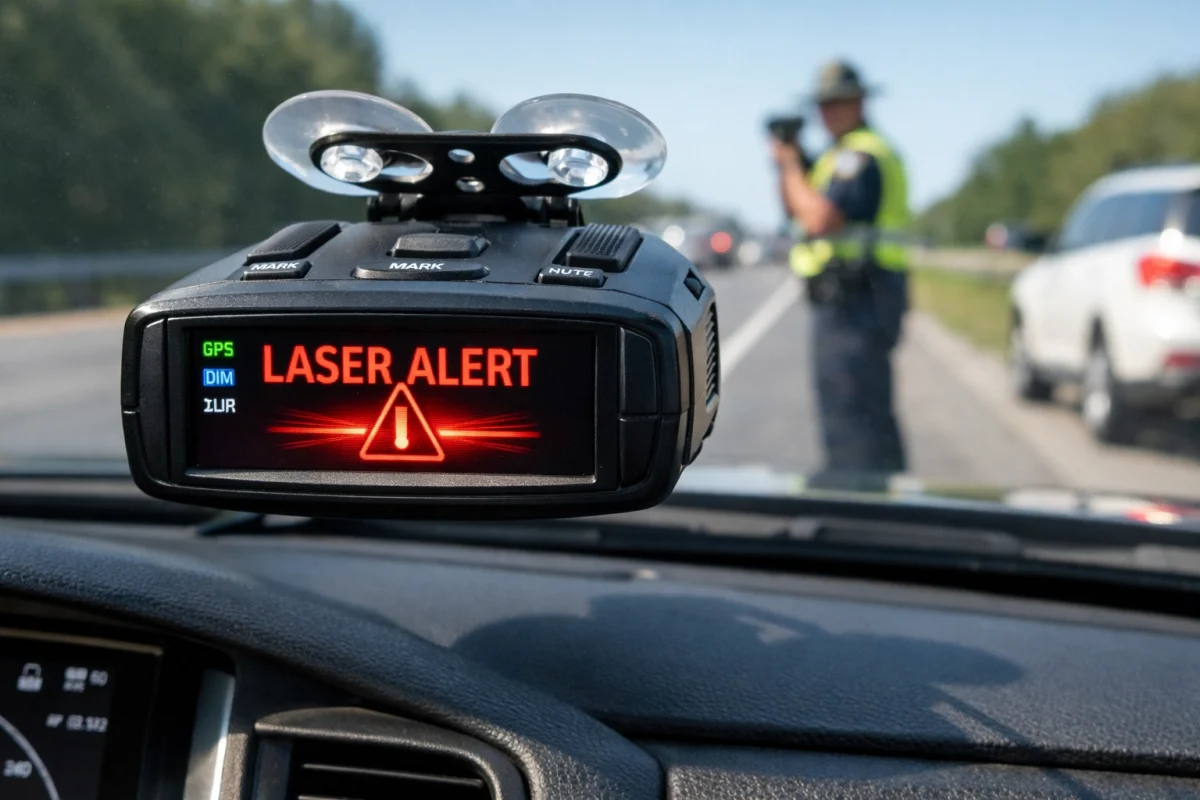
A real laser alert matters because it can mean police are actively using LIDAR nearby. The big difference is timing. With radar, you may catch scatter from cars ahead. With laser, you may not get much warning at all unless the officer is targeting traffic in front of you first. :contentReference[oaicite:3]{index=3}
Why laser is harder to detect early
LIDAR uses a focused beam and is designed to measure speed quickly. That narrow beam is great for enforcement and not so great for long-distance warning on a standard windshield-mounted detector. :contentReference[oaicite:4]{index=4}
What a real laser alert can mean on the highway
On the highway, a laser hit can mean an officer is targeting your lane or a vehicle just ahead of you. If you are the one being targeted directly, the warning may come at the same moment the reading is taken. That is why I always tell drivers not to treat laser the same way they treat a weak K or Ka alert. :contentReference[oaicite:5]{index=5}
Why city drivers often see false laser alerts
In city traffic, false laser alerts are common. Some detectors can react to bright sunlight, certain LED lighting, reflective surfaces, or other interference sources. Escort specifically notes that strong interference can cause laser falsing. :contentReference[oaicite:6]{index=6}
How Laser Detection Works
The detector’s optical sensor and line-of-sight limits
Your radar detector uses a small optical sensor to watch for incoming laser pulses. Because light needs a clearer path than radio-based radar detection, line of sight matters more. If the detector is blocked, tilted poorly, or mounted where the sensor has a bad view, laser performance drops.
Why windshield position affects laser performance
I have seen plenty of weak setups caused by poor mounting. If the detector is too low, hidden behind tint strips, or angled incorrectly, the laser sensor may not see as much of the road ahead. A centered, level mount usually works best for a typical windshield install.
Why a front-only alert may still mean you were already targeted
This is the part many beginners miss. A laser alert is not always an “early warning.” Sometimes it is more like confirmation that the beam already hit your vehicle. That is one reason premium remote systems and dedicated laser defense setups exist.
What to Do When Your Radar Detector Alerts Laser
Step 1: Check your speed and surroundings
First, glance at your speed. Then scan ahead for overpasses, medians, shoulder turnouts, and parked enforcement vehicles.
Step 2: Look for likely enforcement zones
Laser is often used in areas where an officer has a clean visual line, such as straight highway sections, downhill runs, or the far side of an overpass.
Step 3: Avoid panic braking
Do not slam on the brakes. Smoothly reduce speed and stay composed. Panic braking can create more risk than the alert itself.
Step 4: Watch for repeat alerts and patterns
If the alert repeats at the same location every day and you never see enforcement, that points more toward a false source. If it happens only near known speed traps, take it more seriously.
Laser Alert vs Radar Alert: What’s the Difference?
| Alert Type | How It Works | Typical Warning Time | False Alert Risk | Best Response |
|---|---|---|---|---|
| Laser | Infrared light beam aimed at a vehicle | Usually short | Moderate in city use | Check speed, stay calm, scan ahead |
| K Band | Radio-based radar signal | Often moderate | Higher from traffic systems and driver aids | Assess signal strength and location |
| Ka Band | Police radar band commonly used for enforcement | Can be good if detected early | Usually lower than K band | Treat seriously and slow smoothly |
Common Reasons for False Laser Alerts
LED brake lights and taillights
Some detectors are sensitive enough that certain LED light patterns can trigger a false laser warning. This is one of the most common complaints I hear in traffic-heavy areas.
Sunlight and reflective surfaces
Bright low-angle sun, chrome trim, glass reflections, and highly reflective roadside objects can all contribute to laser falsing.
Driver-assistance systems and electronics
Some modern vehicles and nearby electronics can create conditions that confuse older or more sensitive detectors, especially in dense city traffic.
Poor mounting position or dirty lens
If the detector lens is dusty or the unit is mounted poorly, the sensor may behave less consistently. Good placement matters more than many people think.
How to Fix or Reduce False Laser Alerts
Reposition the detector correctly
Mount it high enough for a clear forward view, but keep it level. I prefer a centered windshield position unless the vehicle layout forces a small adjustment.
Clean the laser sensor area
Wipe the detector lens and the inside of the windshield near it. Dirt, haze, and film can affect optical performance.
Update firmware if your model supports it
Some newer detectors improve filtering through firmware updates and revised settings. Check your manufacturer’s update page if your model supports it. :contentReference[oaicite:7]{index=7}
Adjust sensitivity or filtering settings
If your detector offers laser filtering or general false alert control, use it carefully. I do not recommend disabling laser entirely unless falsing is constant and you understand the tradeoff.
| Symptom | Likely Cause | Fix |
|---|---|---|
| Random laser alerts in traffic | LED lights or interference | Reposition detector and review filtering settings |
| Laser alerts at the same time every day | Known false source on route | Note the location and compare patterns |
| Weak or inconsistent laser response | Poor mounting angle | Mount level and centered |
| Frequent falses after install | Bad placement or windshield obstruction | Move unit away from tint strip or sensor housings |
Common Mistakes to Avoid
Mounting too low or off-center
A bad mount can hurt both usability and laser detection. Do not stick the detector wherever the cord reaches easiest.
Assuming every laser hit gives enough warning
This is probably the biggest mistake. A standard detector can warn you about laser, but it often does not give the same cushion you get from radar.
Ignoring repeat false alerts
If your detector falses often, fix the setup. Too many false alerts train you to ignore real ones.
Buying a detector based only on radar range
A detector can have excellent radar range and still offer limited real-world laser warning. If laser matters in your area, pay attention to mounting options and overall filtering, not just range claims.
Pro Tips and Best Practices
Best mount position for everyday driving
I usually recommend a high, centered, level mount with a clear road view. That keeps the display easy to see and helps the laser sensor do its job.
When a hardwire kit makes sense
A hardwire kit is worth it if you want a cleaner install, less dangling cable, and a more stable mounting setup. It will not magically improve laser range, but it often helps you keep the detector in the best position.
When a remote system or laser shifter may be worth considering
If you drive long highway miles in heavy laser-enforcement areas, a more advanced remote-mount setup or integrated laser defense system may be worth looking at. Some premium systems are built specifically to go beyond basic windshield detection. :contentReference[oaicite:8]{index=8}
Tool Recommendations
Uniden R4 Radar Detector
Strong all-around choice for drivers who want excellent radar performance with built-in laser alerts.
Radar Detector Hardwire Kit
Helps create a cleaner install and makes it easier to keep the detector mounted in the right spot every day.
BlendMount Radar Detector Mount
A solid mount option for drivers who want a cleaner windshield view and more secure detector placement.
Laser Detector vs Laser Shifter: Which One Helps More?
A standard laser detector only alerts you when it sees laser. A laser shifter or more advanced laser-defense setup is designed to do more than warn. For most daily drivers, a good detector with smart placement is enough. For drivers who spend a lot of time on laser-heavy highways, the more advanced route can make more sense.
If your main goal is awareness, start with a quality detector and a proper mount. If your main issue is short warning time from repeated laser encounters, that is when people start looking beyond a basic windshield detector.
Helpful Resources
NHTSA Speed Measuring Device Resources
NHTSA LIDAR Performance Specifications
Uniden Guide: How Radar Detectors Work
Frequently Asked Questions
Does a laser alert mean police are nearby?
Usually yes, but not always. A real laser alert can mean police LIDAR is being used nearby, while a false alert can come from sunlight, LED lights, or interference.
Does a laser alert mean my speed was already measured?
Sometimes yes. Because laser is narrow and fast, a detector may alert at the same time your vehicle is being targeted.
Why does my radar detector give random laser alerts?
Random laser alerts are often caused by LED lights, sunlight, reflective surfaces, or a poor mounting position.
Can a radar detector detect police laser early?
Sometimes, but usually not as early as radar. Laser is more targeted, so warning time is often short.
Should I turn off laser alerts if I get false alarms?
I would only do that as a last resort. It is better to improve mounting, clean the sensor area, and adjust settings first.
Where should I mount my radar detector for better laser alerts?
A high, centered, level windshield mount usually works best for a normal portable detector setup.
Is a laser alert more serious than a K or Ka alert?
In many cases, yes. A laser alert often means less reaction time than a radar alert, so I treat it as more urgent.
Conclusion
A laser alert on a radar detector means the unit saw a LIDAR signal or something close enough to trigger one. The key thing to remember is that laser warnings are often late, and false alerts are common in some vehicles and environments. My advice is simple: use a quality detector, mount it properly, learn your route patterns, and treat real laser alerts seriously.
About Michael Reynolds: I test radar detectors, hardwire kits, mounts, and laser alert behavior in real driving conditions. My focus is practical in-car electronics advice that helps drivers understand what their detector is telling them and how to set it up the right way.

